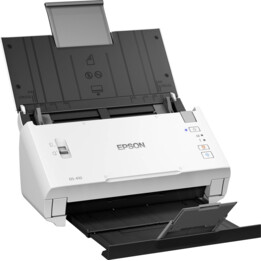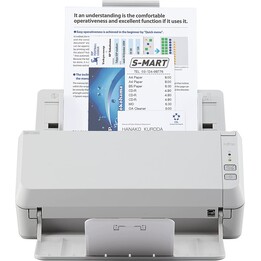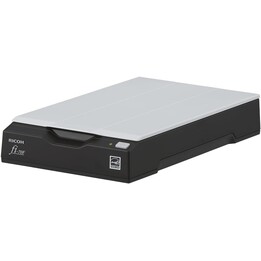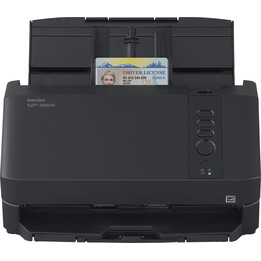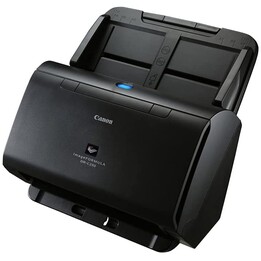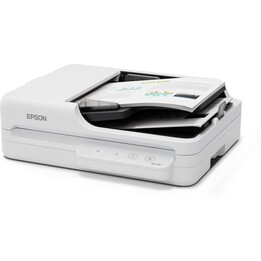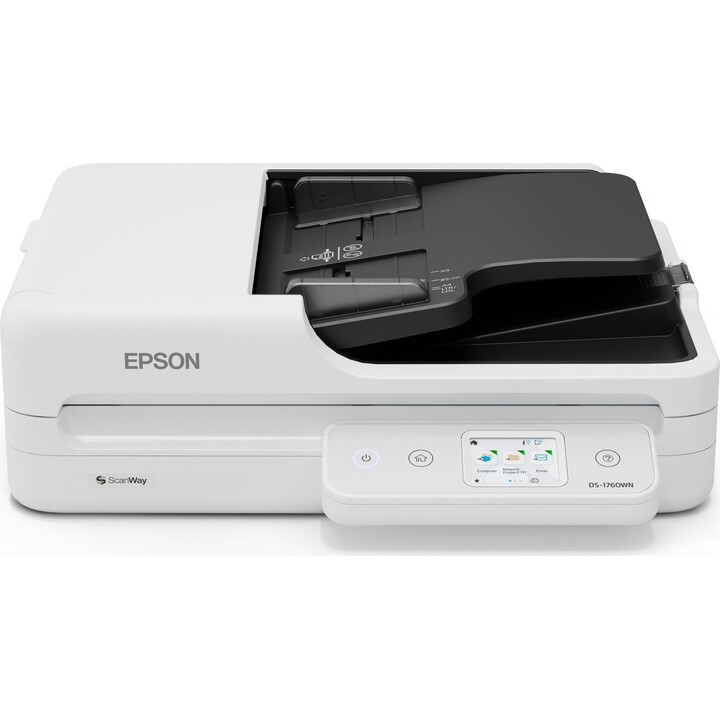


WorkForce DS-1760WN compact flatbed scanner with integrated network connectivity and Wi-Fi
- Scan speed: up to 25 ppm / 50 ipm (black & white, color)
- Optical resolution: 600 dpi
- Automatic Document Feeder (ADF) capacity: 50 sheets
- Connectivity: USB 2.0, Ethernet, Wi-Fi
- Maximum document size: 8.5" x 14" (flatbed), 8.5" x 120" (ADF)
flatbed document scanner with ADF and integrated network, designed for SMBs and workgroups that need Wi-Fi and Ethernet as standard. It offers fast duplex scanning, touch panel and the ability to scan without a PC directly to USB, mail or network folders.
Key Specifications
-
Type: Flatbed colour document scanner + 60-sheet ADF.
-
Optical resolution: ADF up to 600 dpi; flatbed up to 1200 dpi.
-
Speed: Up to 30 ppm / 60 ipm at 200-300 dpi (simplex/duplex) in colour and B/W.
-
Daily cycle: up to 3,000 pages/day (duty cycle peak recommended).
-
Panel: 2.4" colour touch screen for job and destination selection.
Connectivity and features
-
Interfaces: USB 2.0, Gigabit Ethernet and Wi-Fi(ac), plus Wi-Fi Direct.
-
PC-free scanning (ScanWay): Scan directly to USB memory, email, network folders or compatible clouds.
-
Software: Epson Document Capture / Document Capture Pro compatible, TWAIN and ISIS drivers for integration with document management systems.
Paper and media handling
-
ADF: 60 sheets (80 g/m²), face-up feed, face-down output.
-
Media: standard A4 documents, extra long documents up to 220" (≈5.6 m), plastic cards (ID, insurance, credit), passports, books and fragile documents via flatbed.
-
Brand

-
ReferenceB11B274401
-
In stock7 Items
-
ConditionNew
-
EAN138715946737584
-
MPNB11B274401
-
ConectividadEthernet 10/100 Base-T, Wi-Fi 802.11 b/g/n, USB 2.0
| Brand | EPSON |
|---|---|
| Country | Japan |
| Address of origin | 3-3-5 Owa, Suwa-shi, Nagano-ken 392-8502, Japón |
| EU responsible person | EPSON IBERICA, S.A.U |
| Address | Camí de ca n’Ametller, 22. Edificio 2 San Cugat del Vallès 08195 |
| [email protected] | |
| Phone | +34 912844705 |
Safety warnings
General warnings for this type of product. Always follow the manufacturer's instructions.
- Read the manufacturer's instructions before installing or using the appliance and keep them.
- Connect it only to a mains supply of the stated voltage and use the power supply or cable provided.
- Do not use it with a damaged cable, plug or casing and do not open it: repairs by qualified personnel only.
- Protect it from moisture, liquids and heat, and keep the ventilation openings clear.
- Unplug it before cleaning and when it will not be used for a long time.
- Keep it out of the reach of children.
- At the end of its life, take it to a collection point for waste electrical and electronic equipment (WEEE).