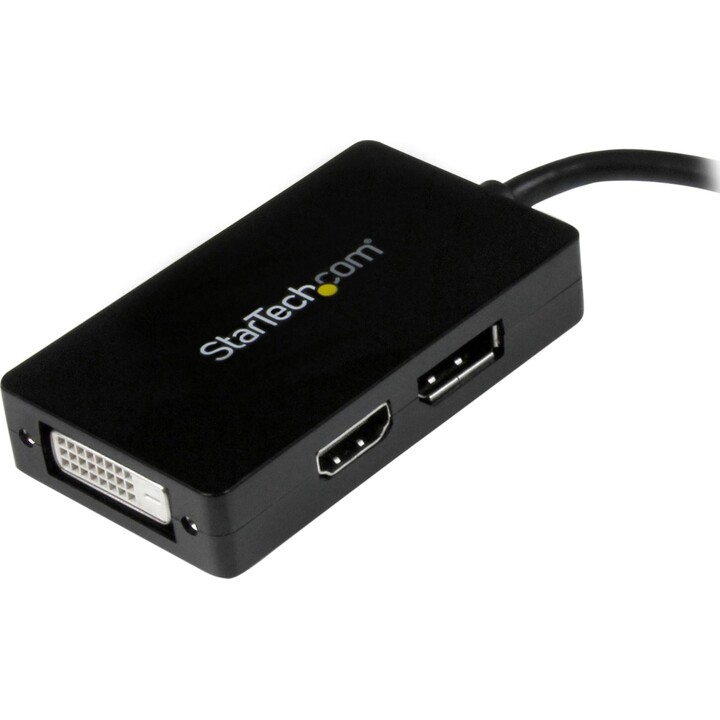

StarTech.com Travel A/V adapter: 3-in-1 Mini DisplayPort to DisplayPort DVI or HDMI converter
minidp to dvi hdmi dp adapter
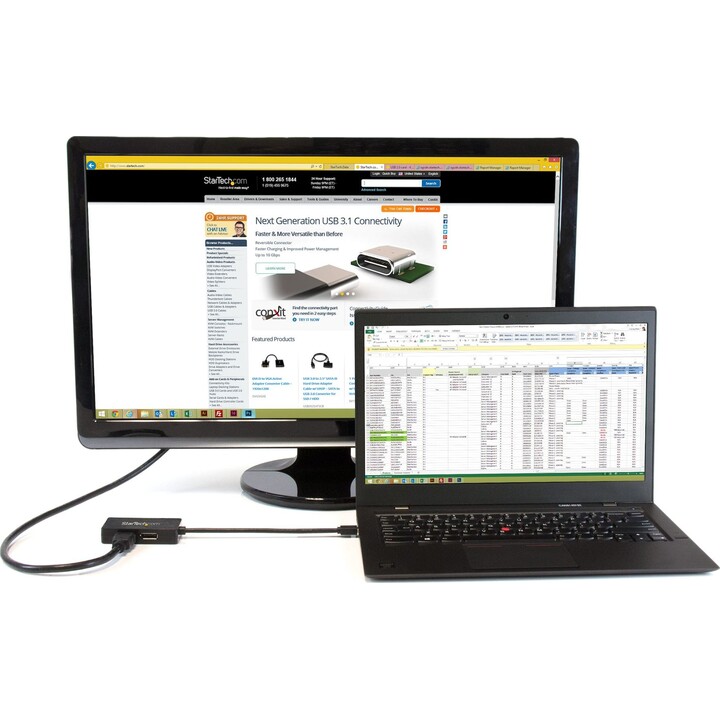
The STARTECH MDP2DPDVHD is a versatile adapter that converts a Mini DisplayPort or Thunderbolt port into three separate video outputs: DVI-D, HDMI, and DisplayPort. This allows you to connect your laptop or desktop to a variety of monitors, projectors, or HDTVs without needing multiple adapters. The adapter supports resolutions up to 4K at 30Hz via HDMI and DisplayPort, and up to 1920x1200 at 60Hz via DVI-D, making it suitable for high-definition presentations and multimedia.
This passive adapter requires a DP++ (DisplayPort++) port on your source device to support multi-monitor configurations. It is compatible with Windows, macOS, and Linux systems that have a Mini DisplayPort or Thunderbolt output. The compact design makes it easy to carry, and the integrated cable reduces clutter. Ideal for professionals who need to connect to different display types in conference rooms or at their desk.
| Connector A | Mini DisplayPort (20-pin) Male |
| Connector B | DVI-D (25-pin) Female, HDMI (19-pin) Female, DisplayPort (20-pin) Female |
| Maximum Resolution | 4K (3840x2160) @ 30Hz (HDMI/DP), 1920x1200 @ 60Hz (DVI) |
| Adapter Type | Passive |
| Supported Audio | Yes (via HDMI and DisplayPort) |
| Product Color | Black |
| Weight | 1.6 oz (45 g) |
| Warranty | 2 Years |
-
Brand

-
ReferenceMDP2DPDVHD
-
In stock10 Items
-
ConditionNew
-
UPC065030844338
-
EAN130065030844338
-
MPNMDP2DPDVHD
-
Sistema operativoWindows 7/8/10/11, macOS 10.10+
| Brand | STARTECH |
|---|---|
| Country | Netherlands |
| Address of origin | Siriusdreef 17-27, 2132 WT Hoofddorp |
| EU responsible person | StarTech.com Europe LLP |
| Address | Boeing Avenue 8, Schiphol-Rijk, Netherlands, 1119PB |
| [email protected] | |
| Phone | 31203699300 |
Safety warnings
General warnings for this type of product. Always follow the manufacturer's instructions.
- Read the manufacturer's instructions before installing or using the appliance and keep them.
- Connect it only to a mains supply of the stated voltage and use the power supply or cable provided.
- Do not use it with a damaged cable, plug or casing and do not open it: repairs by qualified personnel only.
- Protect it from moisture, liquids and heat, and keep the ventilation openings clear.
- Unplug it before cleaning and when it will not be used for a long time.
- Keep it out of the reach of children.
- At the end of its life, take it to a collection point for waste electrical and electronic equipment (WEEE).
12 other products in the same category

- Out-of-Stock

- Próxima reposición 84862