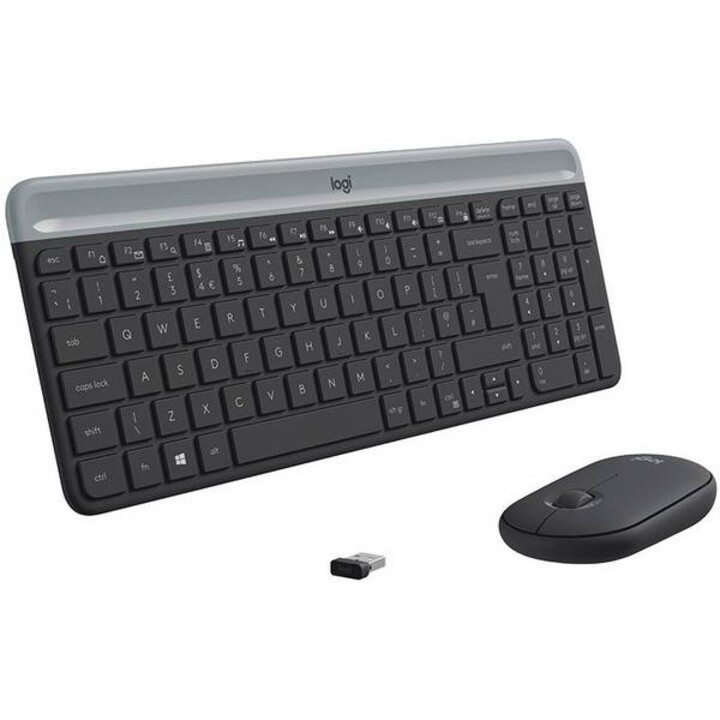

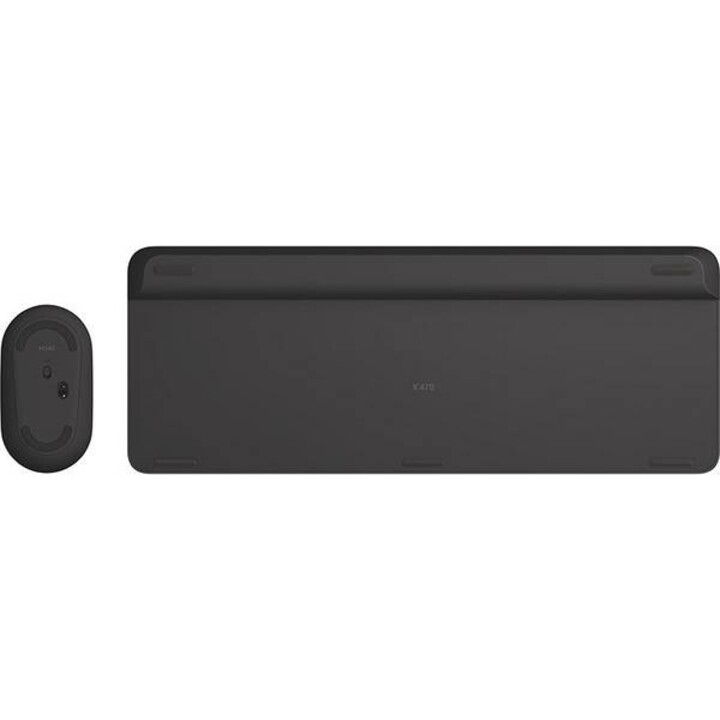
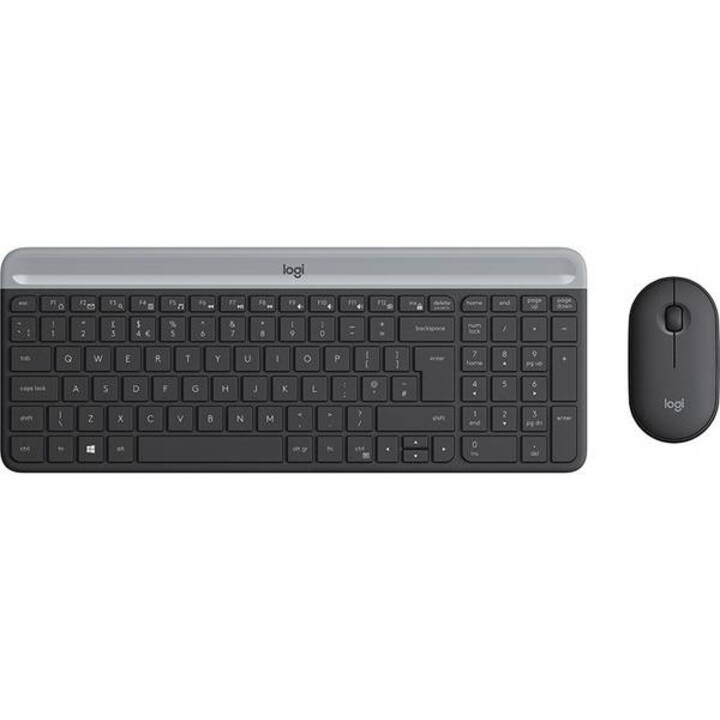

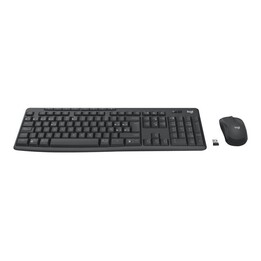
Logitech MK470 Slim Combo Keyboard (German)/Mouse Black
The Logitech MK470 Slim is a wireless keyboard and mouse set with a minimalist and modern design. Compact and quiet, it features a numeric keypad, 12 function keys, and an ultra-portable mouse. Its stable 2.4 GHz USB connection and extended battery life ensure efficient and comfortable use at the office or on the go.
Space-saving Design
Minimalist, modern, and quiet design - The ultra-thin MK470 wireless mouse and keyboard set enhances any desk and enables efficient work.
Modern Minimalist. Slim
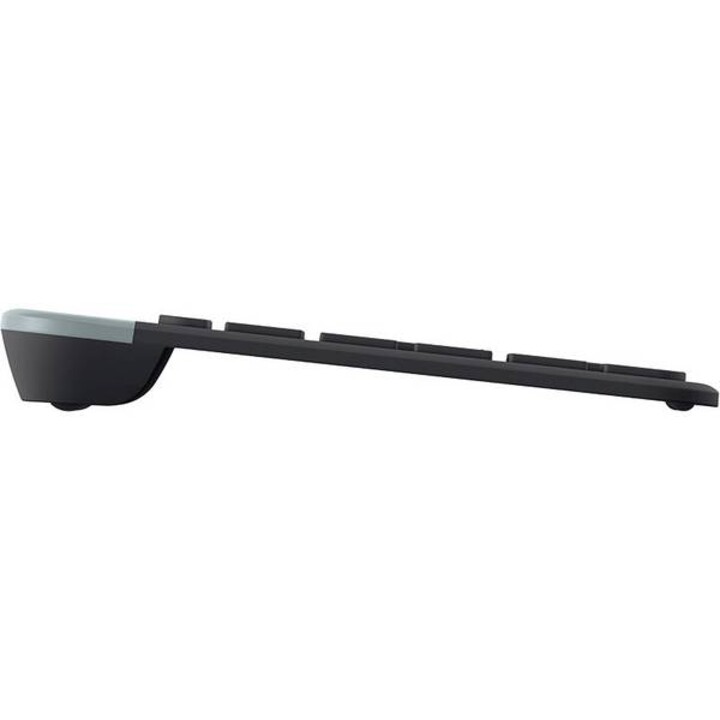
The MK470 Slim Combo impresses mainly with its simplicity. The slim profile and minimalist design make the keyboard and mouse a visual statement for a neat and elegant desk setup.
Space and Productivity Saving
The compact keyboard includes a numeric keypad and 12 function keys so all necessary keys are available. The slim mouse is extremely portable and can easily fit in any pocket for productive work on the move.
Thanks to the Slim Combo's compact profile, you can even work on desktops with limited space, keeping the mouse always within reach.
Smooth Keyboard Input and Mouse Control
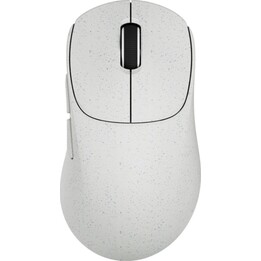
The flat scissor keys provide a smooth and familiar tactile feel like a laptop. The soft pebble-shaped mouse is comfortable in both left and right hands.
Quiet Work
A quiet keyboard and mouse with proven 90% noise reduction* allow ultra-quiet work for you and your environment.
Simple and Reliable Wireless Connection
A single plug-and-play USB receiver enables a stable 2.4 GHz wireless connection with a range of 10 meters**. This provides a clean and tidy desk without tangled cables and gives you the freedom to position your devices exactly as you want.
Make the Most of Every Battery
With 18 months battery life*** for the mouse and 36 months for the keyboard, you don't have to worry about running out of power. Both accessories enter power-saving sleep mode when not in use.
Setup Steps
Step 1: First, remove the battery protection strips from the mouse and keyboard. The MK470 Slim Combo powers on automatically.
Step 2: Insert the USB receiver into an available USB port on a desktop or laptop. The keyboard and mouse are immediately ready to use.
Step 3: Slide the top of the keyboard up to reveal the battery and receiver storage compartment.
-
Brand

-
Reference920-009188
-
In stock100 Items
-
ConditionNew
-
EAN135099206086449
-
MPN920-009188
-
ColourBlack
| Brand | Logitech |
|---|---|
| Country | USA |
| Address of origin | 3930 North First Street, San Jose, CA 95134, USA |
| EU responsible person | Newstri Corporate Solutions SL |
| Address | Calle Pedro Duque,1 Módulo 6B 28814 Daganzo de Arriba - Madrid |
| [email protected] | |
| Phone | +34 912844705 |
12 other products in the same category
- Out-of-Stock
- Out-of-Stock
- Out-of-Stock

- Out-of-Stock
Viewed products
- Out-of-Stock