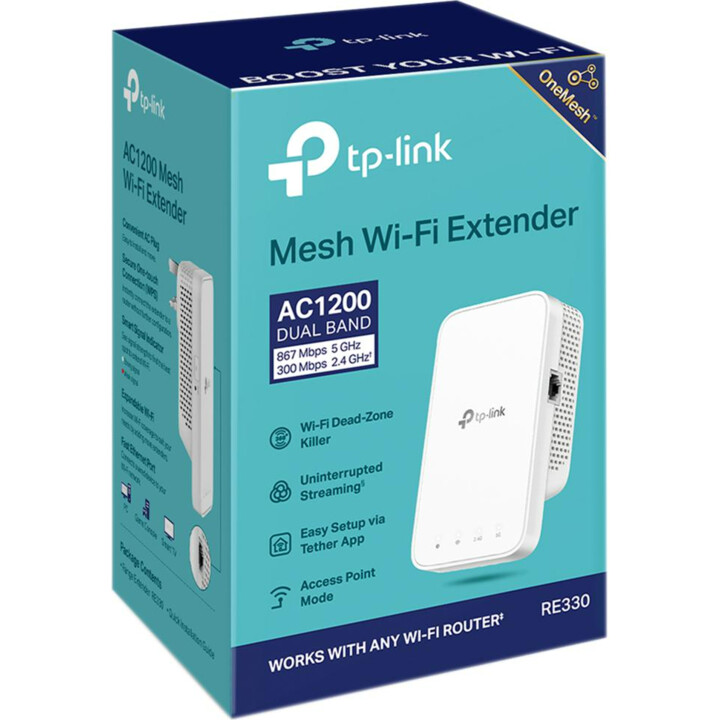
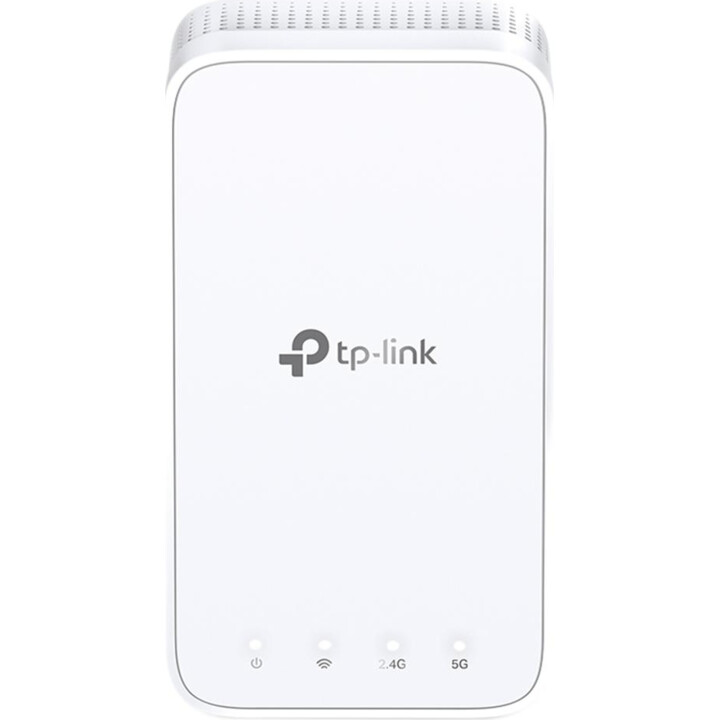
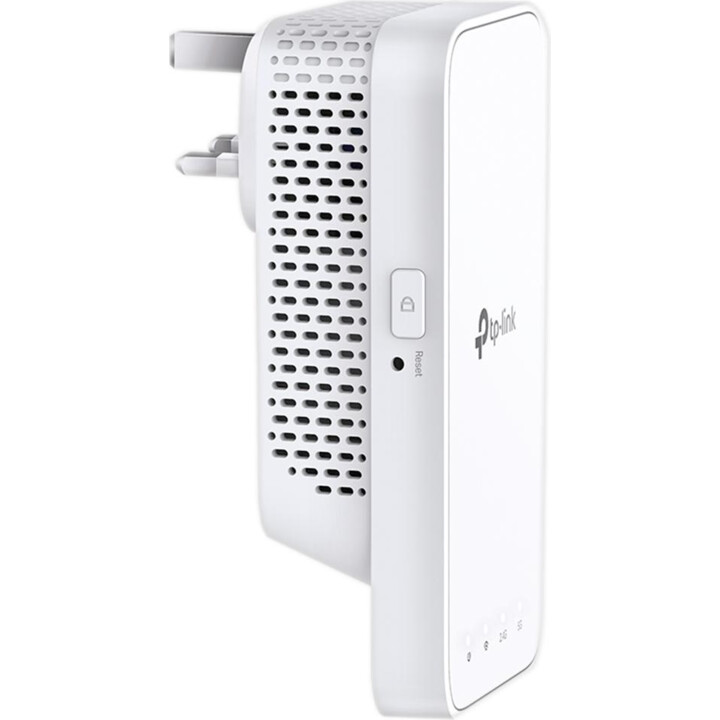

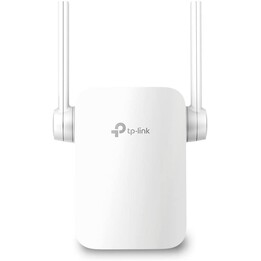
TP-Link RE330 White - Network Repeater
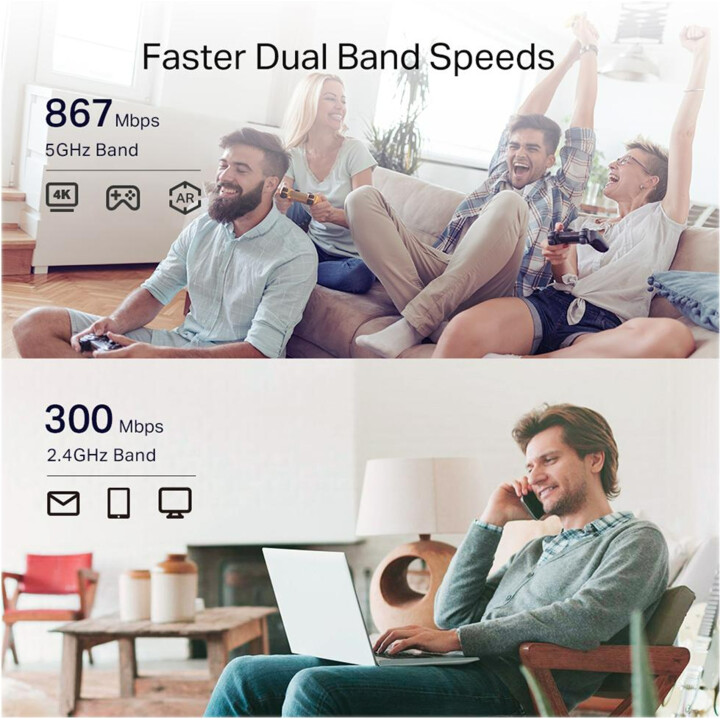
- Dual-band Wi-Fi (2.4 GHz 300 Mbps + 5 GHz 867 Mbps)
- Smart signal indicator for optimal placement
- Works with any Wi-Fi router or access point
- AP mode to create a new Wi-Fi access point
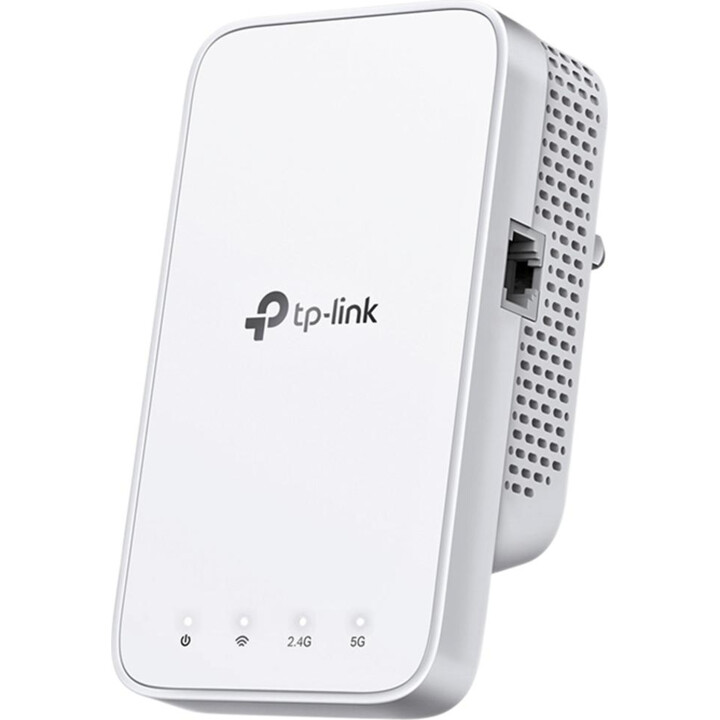
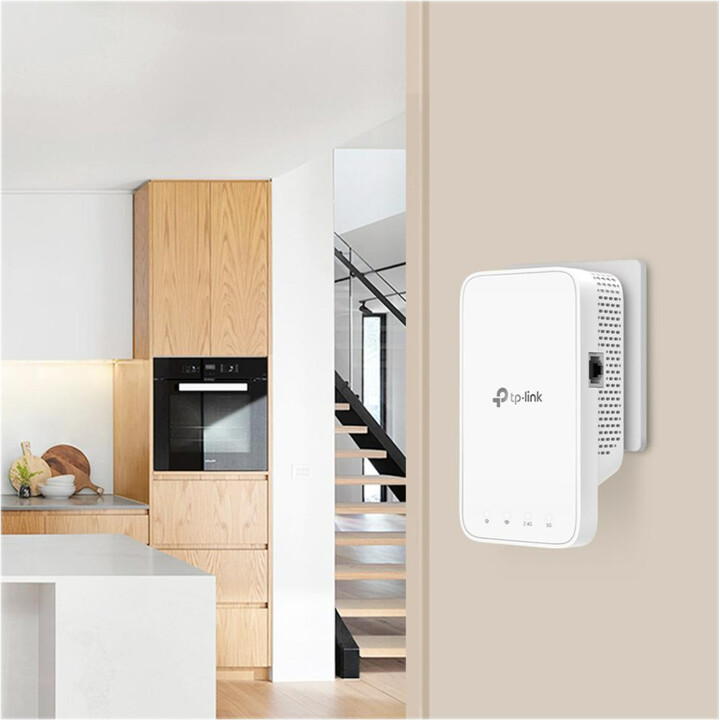
- Compact design with internal antennas
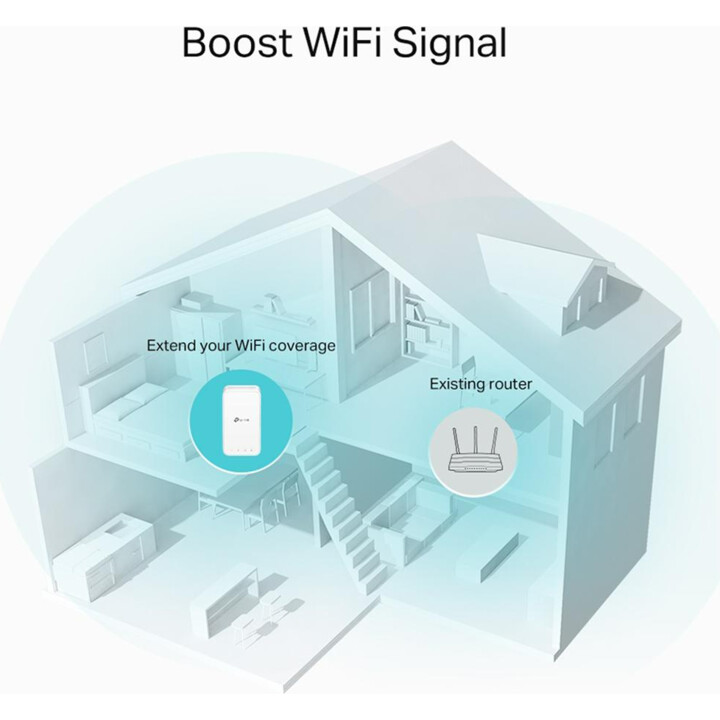
The TP-Link RE330 is a dual-band Wi-Fi range extender designed to fill the dead spots your router can't reach on its own. It connects wirelessly to your existing router and rebroadcasts the signal into rooms that struggle for coverage, so you can browse, stream and game in more places at home. It's a straightforward option if you want stronger Wi-Fi without replacing your router.
Highlights
- Dual-band Wi-Fi (2.4 GHz and 5 GHz): the 5 GHz band reaches up to 867 Mbit/s, while the 2.4 GHz band is there for everyday browsing and email, so you can spread devices across both bands.
- Works with your current router: supports IEEE 802.11a, 802.11b, 802.11g, Wi-Fi 4 (802.11n) and Wi-Fi 5 (802.11ac), so it fits into most existing home networks.
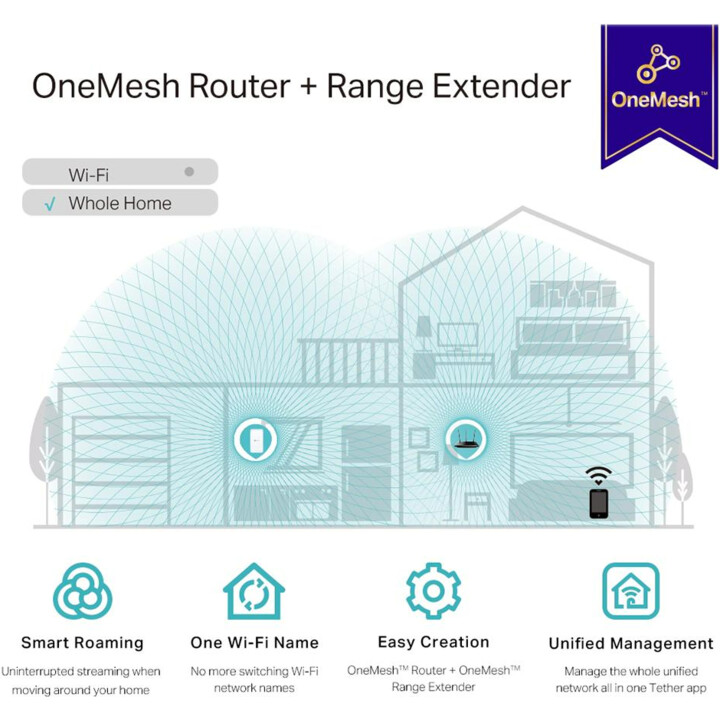
- OneMesh compatible: pair it with a OneMesh router to build a mesh network with a single Wi-Fi name and seamless coverage around the home.
- Adaptive Path Selection: automatically picks the fastest connection path to the router, which helps keep things stable when many devices are online.
- High Speed Mode: uses one Wi-Fi band as a dedicated backhaul and the other for your devices, maximising the bandwidth available on the extended network.
- Built-in access point mode: plug an Ethernet cable into the single 10/100 RJ-45 port and turn a wired connection into a dual-band Wi-Fi access point.
- Easy setup and placement: the WPS button connects it to the router quickly, the LED signal indicator helps you find the best spot, and you can manage it from the TP-Link Tether app or the web interface.
Technical specifications
Performance
| Type | Network repeater |
|---|---|
| Data transfer rate | 867 Mbit/s |
| Ethernet LAN data rates | 10,100 Mbit/s |
Antenna
| Antennas quantity | 2 |
|---|---|
| Antenna type | Internal |
Network
| Cabling technology | 10/100Base-T(X) |
|---|---|
| Networking standards | IEEE 802.11a, IEEE 802.11ac, IEEE 802.11b, IEEE 802.11g, IEEE 802.11n |
| Wi-Fi | Yes |
| Wi-Fi standards | 802.11a, 802.11b, 802.11g, Wi-Fi 4 (802.11n), Wi-Fi 5 (802.11ac) |
| Wi-Fi data rate (max) | 867 Mbit/s |
| Wi-Fi band | Dual-band (2.4 GHz / 5 GHz) |
| Security algorithms | 64-bit WEP, 128-bit WEP, WPA-PSK, WPA2-PSK |
Ports & interfaces
| Ethernet LAN (RJ-45) ports | 1 |
|---|
Design
| Product colour | White |
|---|---|
| LED indicators | Yes |
| Quantity per pack | 1 pc(s) |
Power
| Power consumption (typical) | 9.5 W |
|---|
Weight & dimensions
| Width | 69.5 mm |
|---|---|
| Depth | 35 mm |
| Height | 124.1 mm |
Packaging content
| Manual | Yes |
|---|
Packaging data
| Package type | Box |
|---|
Manufacturer technical data.
Frequently asked questions
Will it work with my existing router?
Yes. The RE330 supports IEEE 802.11a, 802.11b, 802.11g, Wi-Fi 4 (802.11n) and Wi-Fi 5 (802.11ac), and it is designed to work with any Wi-Fi router or wireless access point. If you have a OneMesh router, you can also use it to create a mesh network with a single Wi-Fi name.
How fast is the Wi-Fi it provides?
It is a dual-band extender: the 5 GHz band reaches up to 867 Mbit/s and the 2.4 GHz band handles everyday tasks such as browsing and email. The single Ethernet port runs at 10/100 Mbit/s.
Can I connect devices by cable?
Yes. There is one RJ-45 Ethernet port (10/100 Mbit/s). You can use it to connect a wired device, or switch the RE330 into access point mode and turn a wired internet connection into a dual-band Wi-Fi access point.
How do I set it up and find the best place for it?
Press the WPS button to connect it to your router, then use the LED signal indicator to check signal strength and choose the best location. You can manage settings from the TP-Link Tether app on Android or iOS, or through the web interface. A user manual is included in the box.
-
Brand

-
ReferenceRE330
-
In stock30 Items
-
ConditionNew
-
EAN134897098683033
-
MPNRE330
-
ColourWhite
-
TypeWi-Fi extender
-
Battery includedNo
| Brand | TP-LINK |
|---|---|
| Country | China |
| Address of origin | South Building, No.5 Keyuan Road, Central Zone, Science & Technology Park, Nanshan, Shenzhen, Guangdong 518057 |
| EU responsible person | TP-Link Technologies Co., Ltd. |
| Address | Feldring 9, Hofheim am Taunus, Germany, 65719 |
| [email protected] | |
| Phone | 34912000727 |
Safety warnings
General warnings for this type of product. Always follow the manufacturer's instructions.
- Read the manufacturer's instructions before installing or using the appliance and keep them.
- Connect it only to a mains supply of the stated voltage and use the power supply or cable provided.
- Do not use it with a damaged cable, plug or casing and do not open it: repairs by qualified personnel only.
- Protect it from moisture, liquids and heat, and keep the ventilation openings clear.
- Unplug it before cleaning and when it will not be used for a long time.
- Keep it out of the reach of children.
- At the end of its life, take it to a collection point for waste electrical and electronic equipment (WEEE).
This product connects to the internet or to other devices and generates data when you use it. The manufacturer publishes what data it collects, how it is used and how you can access it.
The link goes to the manufacturer’s official page.
12 other products in the same category



Viewed products