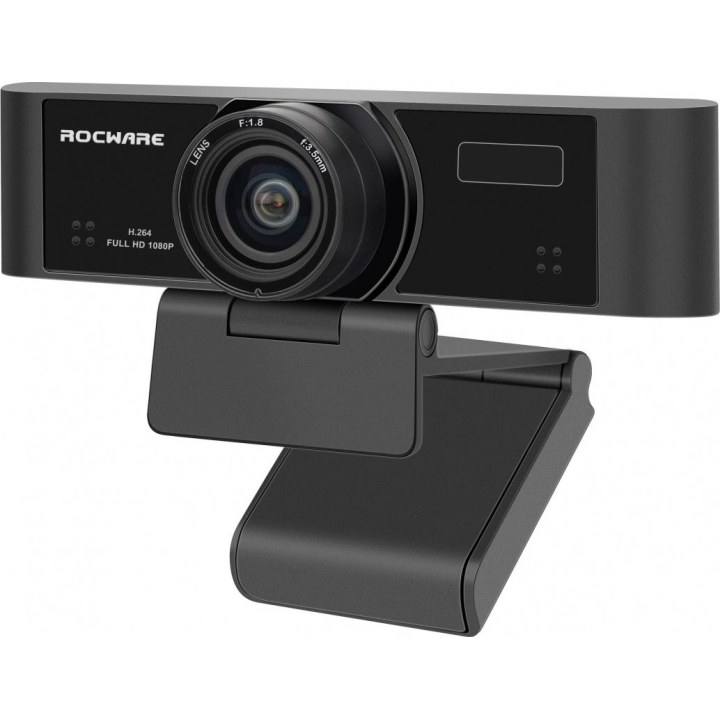
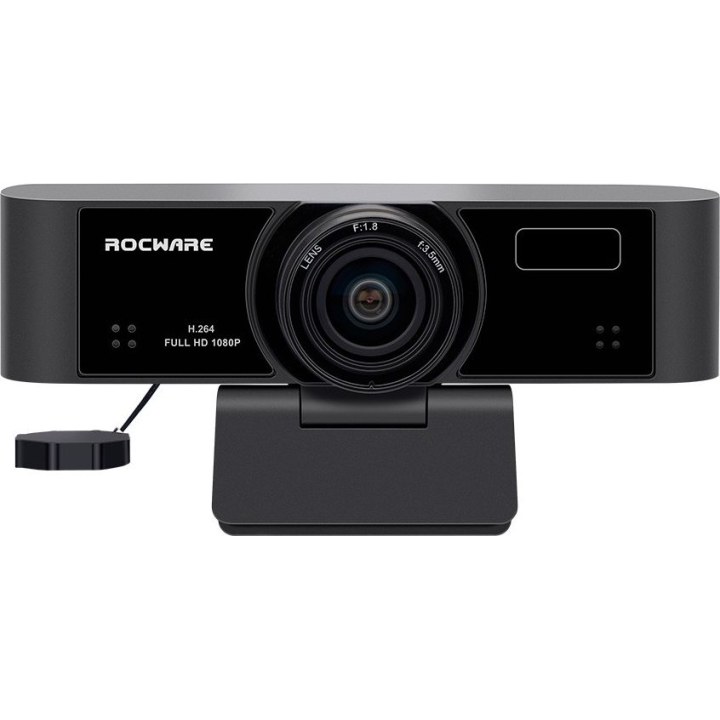
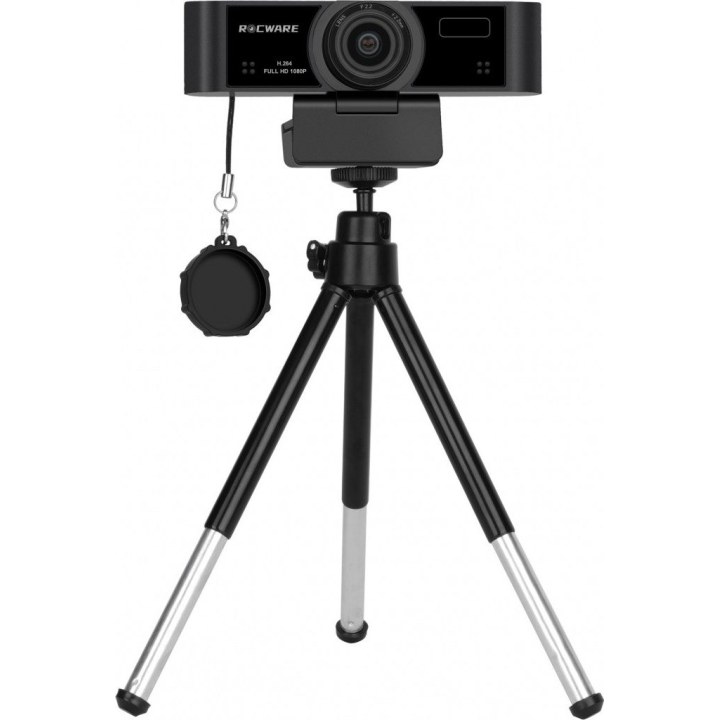
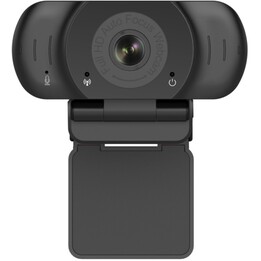
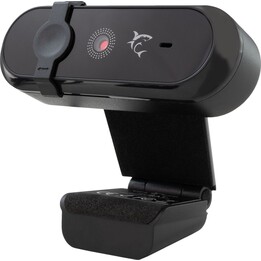
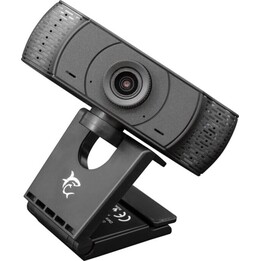
ROCWARE RC15 USB CAM
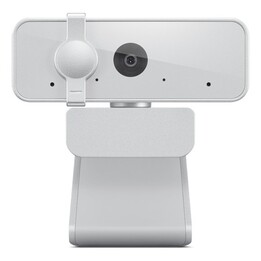
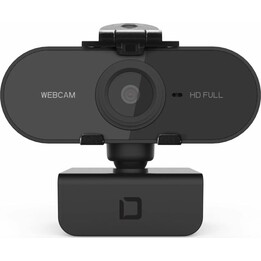
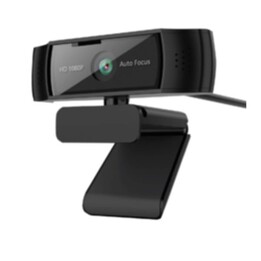
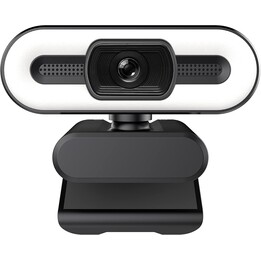
The ROCWARE RC15 USB CAM is a black USB camera built for everyday video capture. It delivers HD resolution in 1080i and 720p, so you can work with clear video for meetings, streaming or recording depending on your setup.
A built-in microphone is integrated into the camera, letting you capture audio without adding a separate microphone. The RC15 connects via an HDMI interface and is designed for the Android platform, making it a practical choice when your equipment runs on Android.
Main features
- ROCWARE RC15 USB camera
- HD resolution: 1080i and 720p
- Built-in microphone
- HDMI interface
- Android platform support
- Black colour
Specifications
| Brand | ROCWARE |
|---|
| Reference | ALRC15 |
|---|
| EAN | 0684514110846 |
|---|
| Resolution | HD 1080i - 720p |
|---|
| Platform | Android |
|---|
| Features and functions | Built-in microphone |
|---|
| Interface | HDMI |
|---|
| Colour | Black |
|---|
Frequently asked questions
What resolution does the ROCWARE RC15 support?
The ROCWARE RC15 supports HD resolution in 1080i and 720p.
Does the ROCWARE RC15 have a microphone?
Yes, the camera features a built-in microphone.
Which interface does the ROCWARE RC15 use?
The ROCWARE RC15 uses an HDMI interface.
Which platform is the ROCWARE RC15 designed for?
The ROCWARE RC15 is designed for the Android platform.
It is for you if...
- You need a ROCWARE USB camera with HD 1080i and 720p resolution
- You want a built-in microphone in the camera
- You work with an Android-based setup
- You need an HDMI interface connection