
Thrustmaster Viper Black Panel Usb Joystick/Side Control Lever + Throttle Quadrant PC
Thrustmaster Viper Black Panel Usb Joystick/Side Control Lever + Throttle Quadrant PC
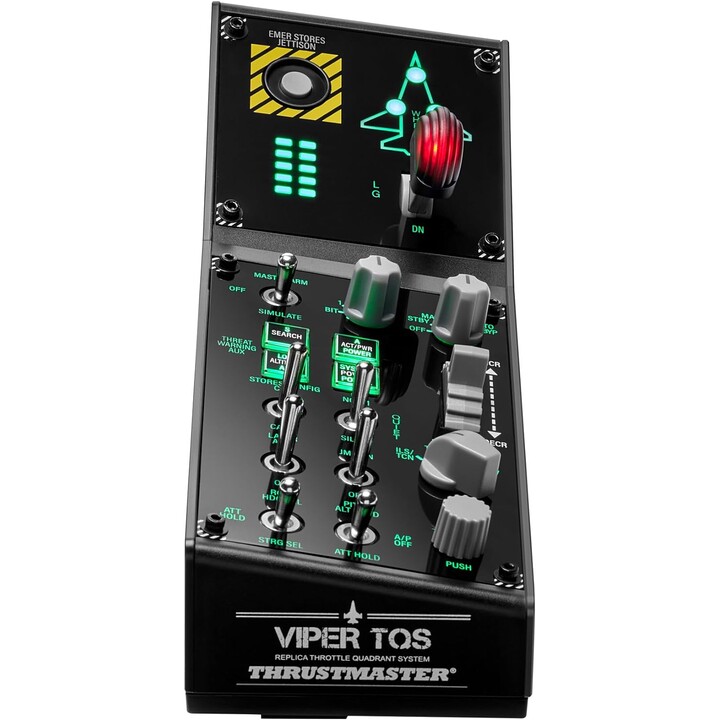
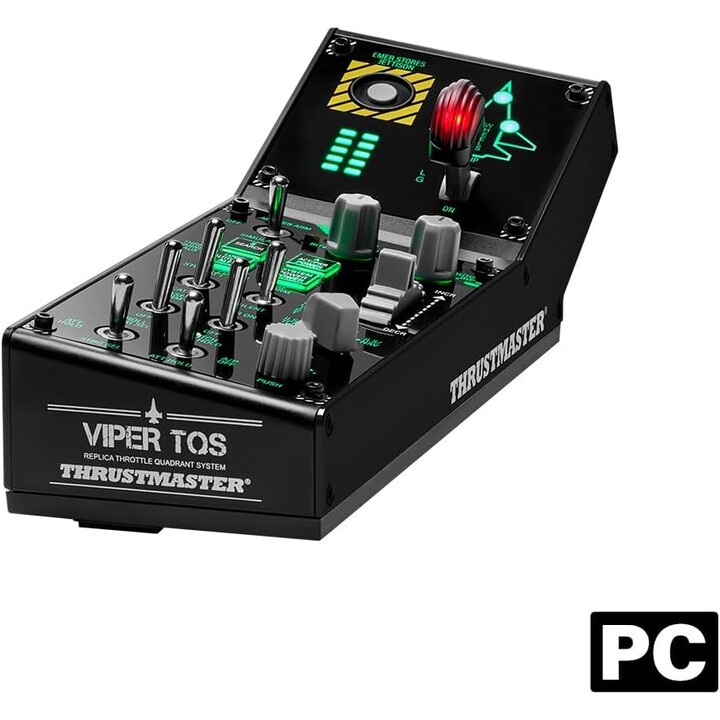
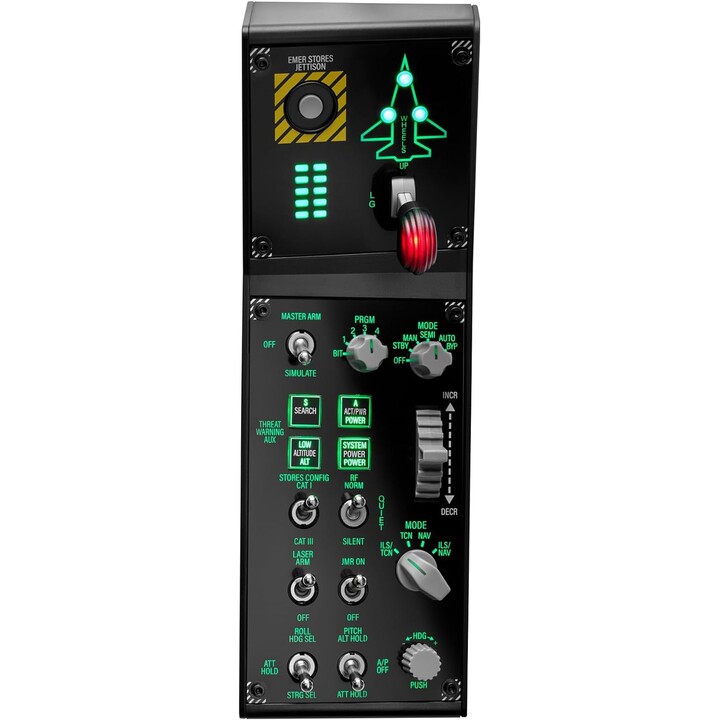
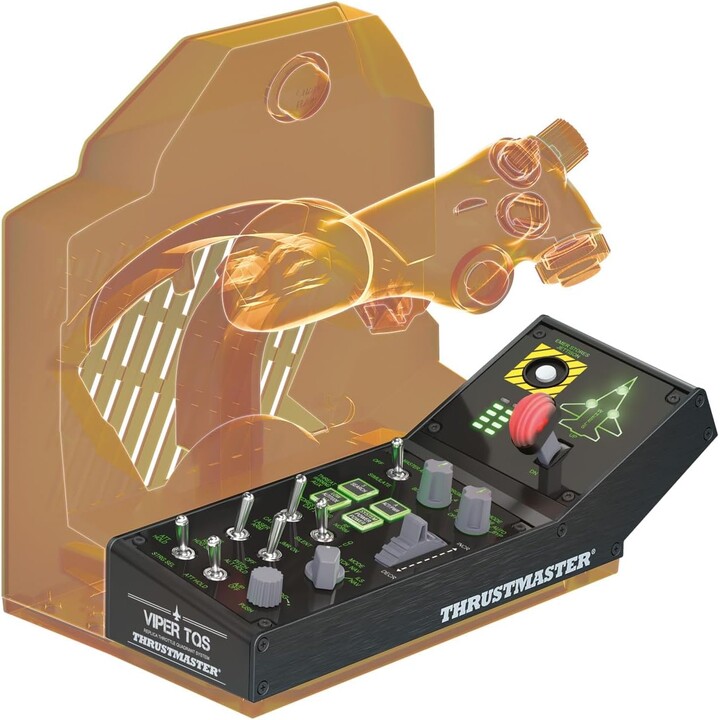
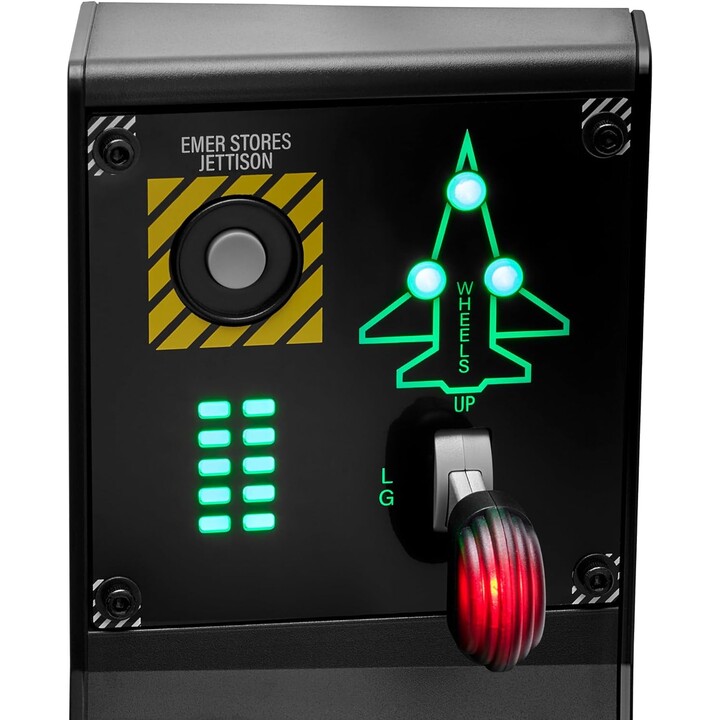
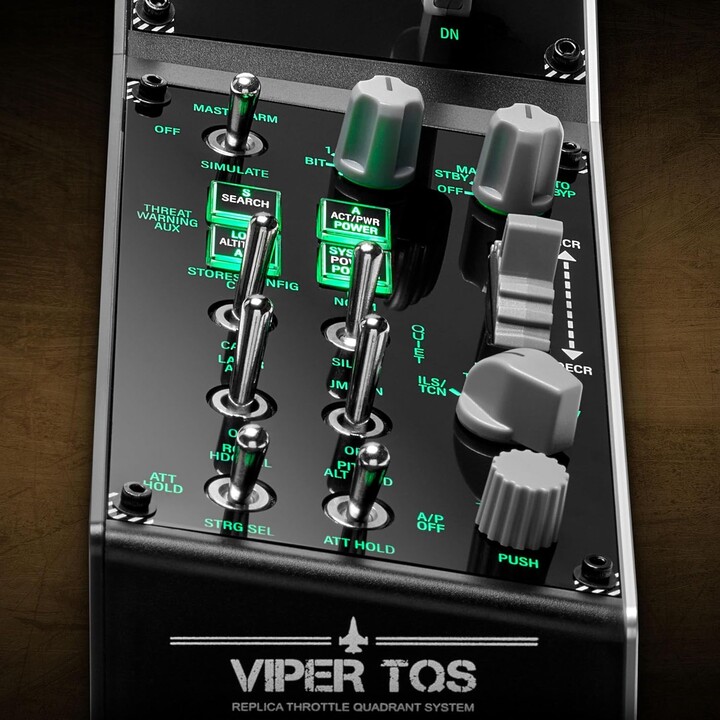
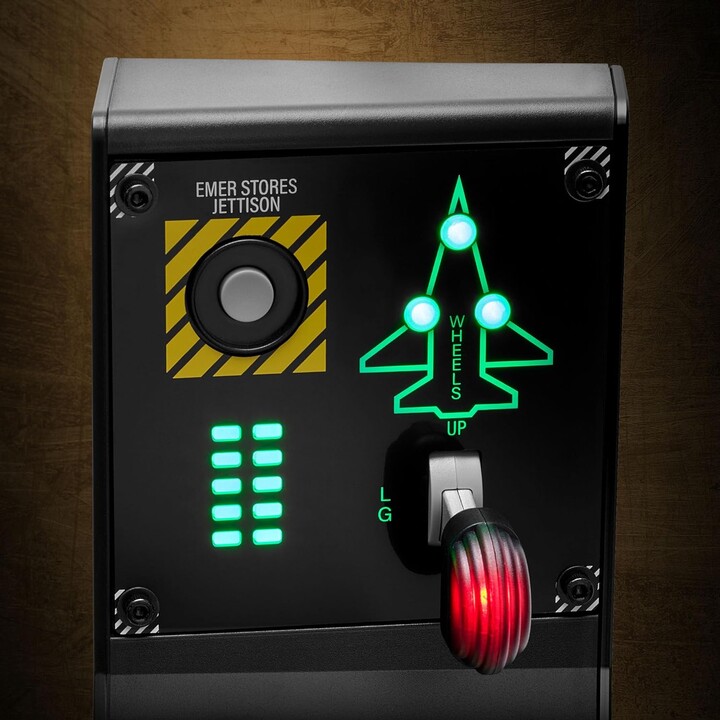
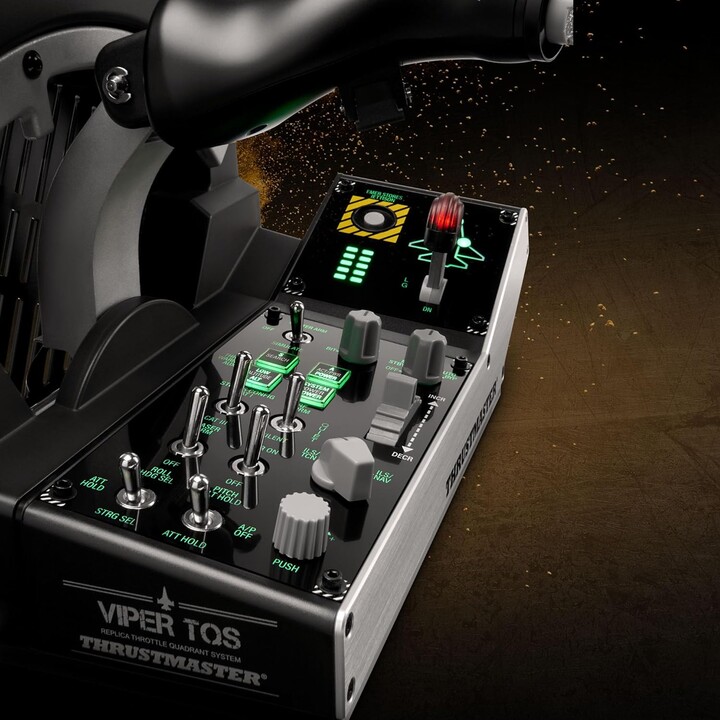
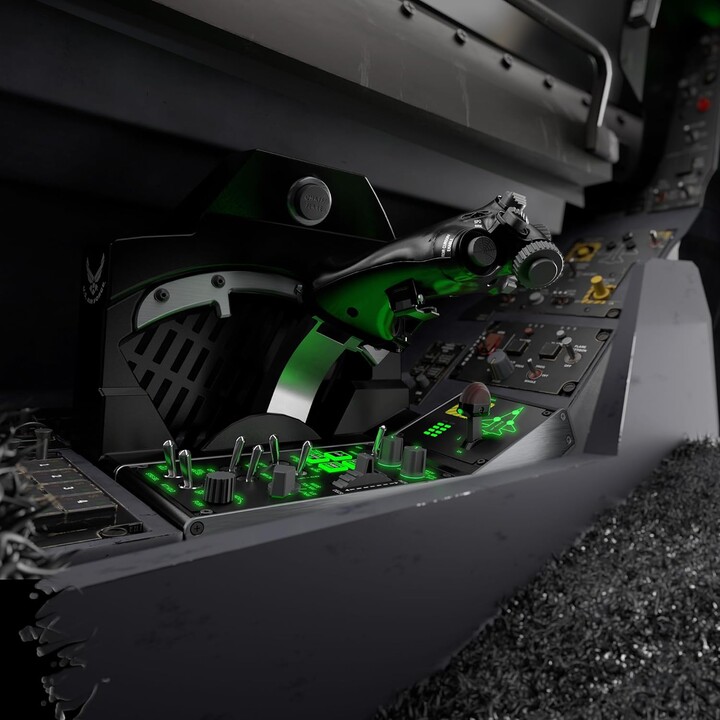
The Thrustmaster Viper Panel is a high-fidelity replica of the F-16 Viper's side stick and throttle controls, designed for PC flight simulation. It features a compact, desk-friendly design with a detachable throttle quadrant, allowing flexible placement. The joystick uses HALL effect magnetic sensors for precise, contactless axis detection, ensuring long-lasting accuracy.
With 19 action buttons, an 8-way hat switch, and 4 axes, this controller provides comprehensive control for modern combat flight sims. The throttle quadrant includes two independent levers with adjustable friction, ideal for managing twin-engine aircraft or combined throttle and propeller controls. The black panel finish matches the Viper's cockpit aesthetic.
| Brand | Thrustmaster |
| Model | Viper Panel (4060255) |
| Type | Joystick + Throttle Quadrant |
| Connection | USB 2.0 |
| Axes | 4 (X, Y, Z, throttle) |
| Buttons | 19 action buttons + 8-way hat switch |
| Sensors | HALL effect magnetic |
| Throttle | Detachable, 2 levers with adjustable friction |
| Compatibility | PC (Windows 10/11) |
| Color | Black |
-
Brand

-
Reference4060255
-
In stock9 Items
-
ConditionNew
-
EAN133362934003302
-
MPN4060255
-
ColourBlack
-
ConectividadUSB 2.0
| Brand | THRUSTMASTER |
|---|---|
| Country | France |
| Address of origin | Place du Granier, BP 97143, 35571 Chantepie Cedex, France |
| EU responsible person | Guillemot Corporation S.A. |
| Address | 11, rue du Montparnasse, Carentoir, France, 56910 |
| [email protected] | |
| Phone | 33299080880 |
Safety warnings
General warnings for this type of product. Always follow the manufacturer's instructions.
- Read the manufacturer's instructions before installing or using the appliance and keep them.
- Connect it only to a mains supply of the stated voltage and use the power supply or cable provided.
- Do not use it with a damaged cable, plug or casing and do not open it: repairs by qualified personnel only.
- Protect it from moisture, liquids and heat, and keep the ventilation openings clear.
- Unplug it before cleaning and when it will not be used for a long time.
- Keep it out of the reach of children.
- At the end of its life, take it to a collection point for waste electrical and electronic equipment (WEEE).
12 other products in the same category