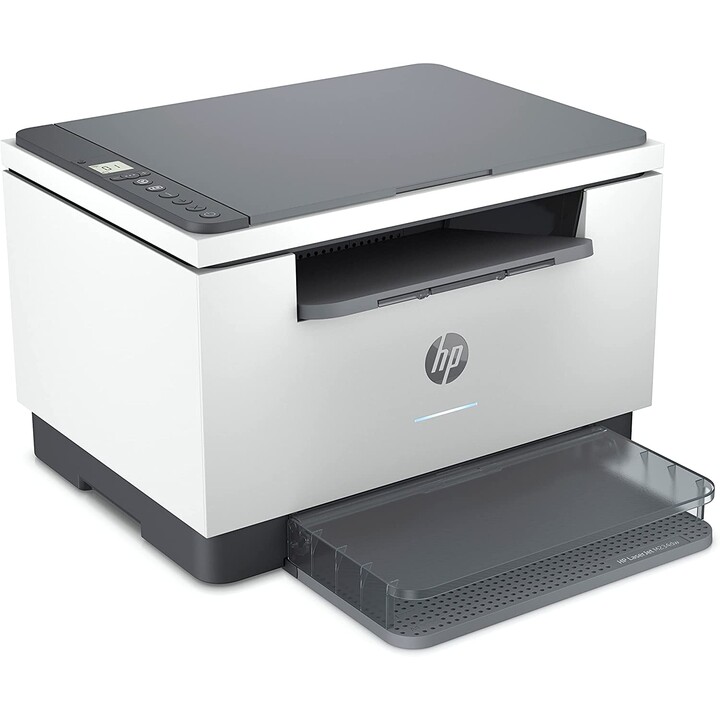



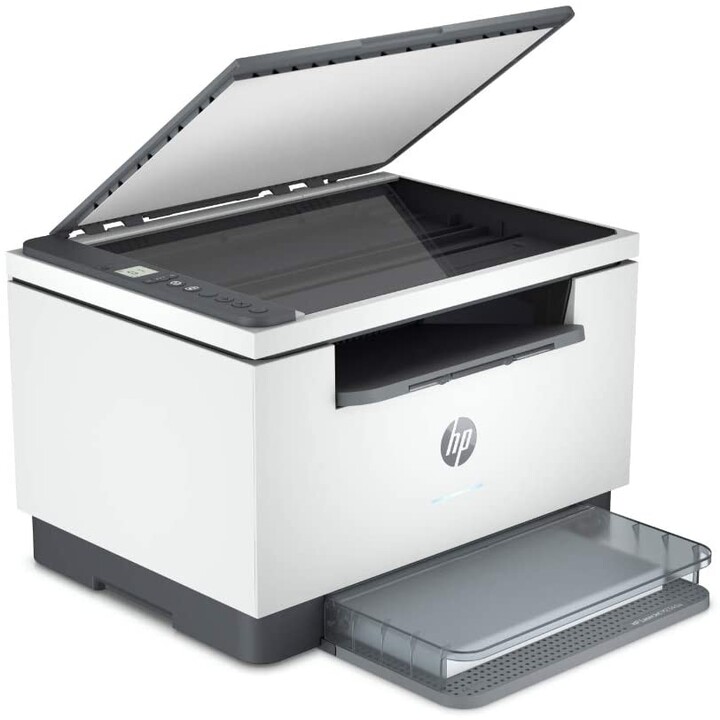


HP LaserJet M234dw Laser All-In-One 9YF91F (A4, 3-in-1, print, copy, scan, USB, LAN, WLAN, Bluetooth)
- Multifunction 3-in-1 printer: print, scan, copy
- Black and white laser printing
- Wireless (WLAN) and wired (LAN) connectivity
- Duplex printing for double-sided documents
- Supports AirPrint for easy mobile printing
The HP LaserJet MFP M234dw is a versatile multifunction laser printer designed to meet the needs of home offices and small businesses. Combining printing, scanning, and copying capabilities in one compact device, it offers convenience and efficiency.
With black and white laser printing technology, this printer delivers sharp and professional-quality documents at a speed of up to 29 pages per minute. Its wireless (WLAN) and wired (LAN) connectivity options provide flexible setup and easy sharing among multiple users.
The duplex printing feature allows automatic double-sided printing, saving paper and reducing costs. Additionally, AirPrint support enables seamless printing directly from Apple devices without the need for additional drivers.
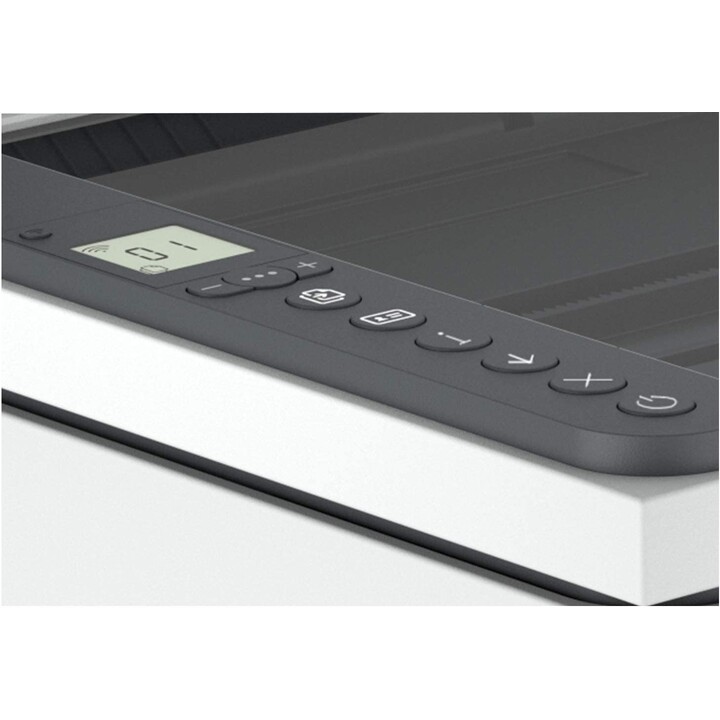
Equipped with a user-friendly interface and reliable performance, the HP LaserJet MFP M234dw is ideal for everyday printing tasks, scanning important documents, and making quick copies. Its sleek black design fits well in any workspace.
Experience fast, high-quality printing and multifunction convenience with the HP LaserJet MFP M234dw.
-
Brand

-
Reference9YF91F#ABD
-
In stock1 Item
-
ConditionNew
-
EAN130195122649227
-
MPN9YF91F#ABD
-
ColourBlack
-
Battery includedNo
| Brand | HP |
|---|---|
| Country | USA |
| Address of origin | 1501 Page Mill Road, Palo Alto, CA 94304 |
| EU responsible person | HP Printing and Computing Solutions, S.L.U |
| Address | C/ José Echegaray, 18 Las Rozas 28232 |
| [email protected] | |
| Phone | 34902027020 |
Safety warnings
General warnings for this type of product. Always follow the manufacturer's instructions.
- Read the manufacturer's instructions before installing or using the appliance and keep them.
- Connect it only to a mains supply of the stated voltage and use the power supply or cable provided.
- Do not use it with a damaged cable, plug or casing and do not open it: repairs by qualified personnel only.
- Protect it from moisture, liquids and heat, and keep the ventilation openings clear.
- Unplug it before cleaning and when it will not be used for a long time.
- Keep it out of the reach of children.
- At the end of its life, take it to a collection point for waste electrical and electronic equipment (WEEE).
This product connects to the internet or to other devices and generates data when you use it. The manufacturer publishes what data it collects, how it is used and how you can access it.
The link goes to the manufacturer’s official page.
12 other products in the same category





Viewed products