

Startech 2x1 HDMI KVM Switch, Ra USB + Audio Tec
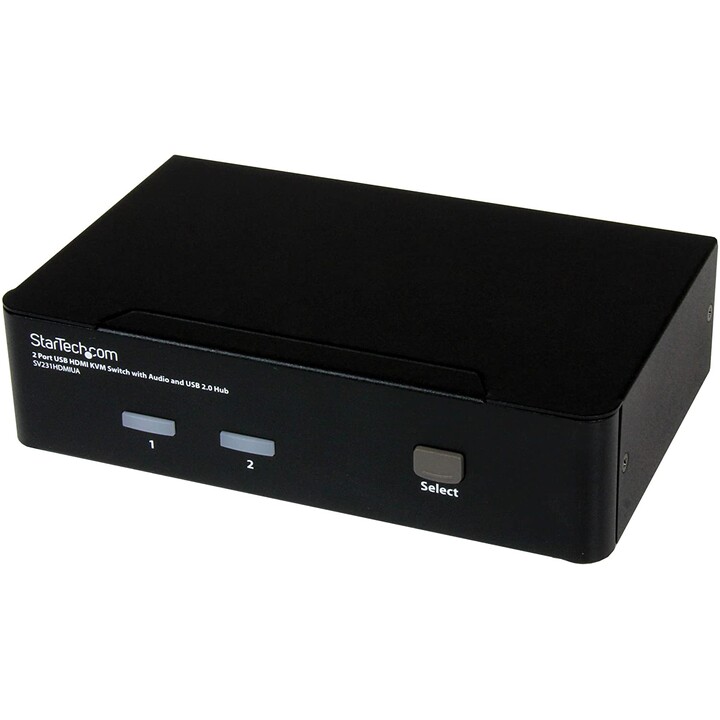
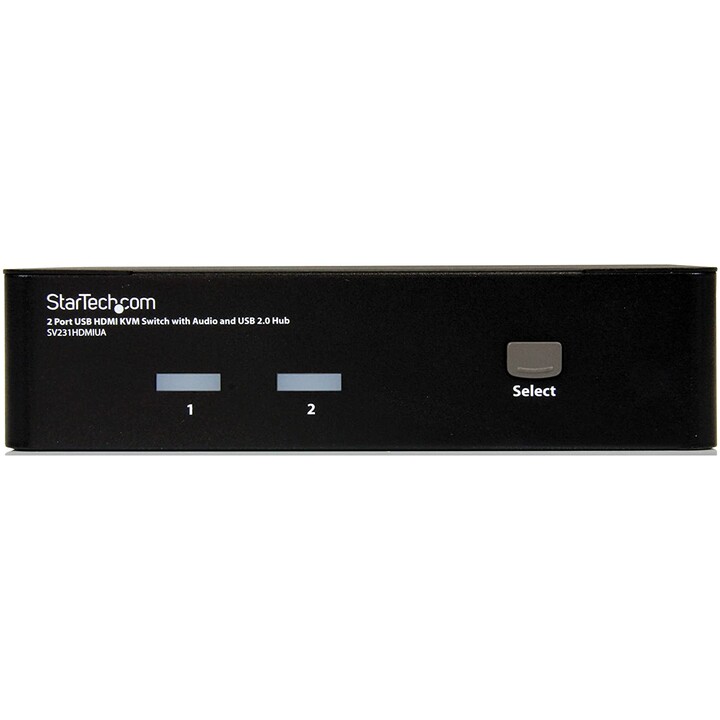
- 2-port HDMI KVM switch for controlling two computers with one monitor, keyboard, and mouse
- Supports resolutions up to 4K@30Hz (3840x2160)
- Built-in USB 2.0 hub with 2 ports for sharing peripherals
- Audio support: 3.5mm stereo jacks for microphone and speakers
- Switch via front panel button or keyboard hotkeys (Scroll Lock/Num Lock)
Startech 2X1 Hdmi Kvm Switch, Ra Usb + Audio Tec
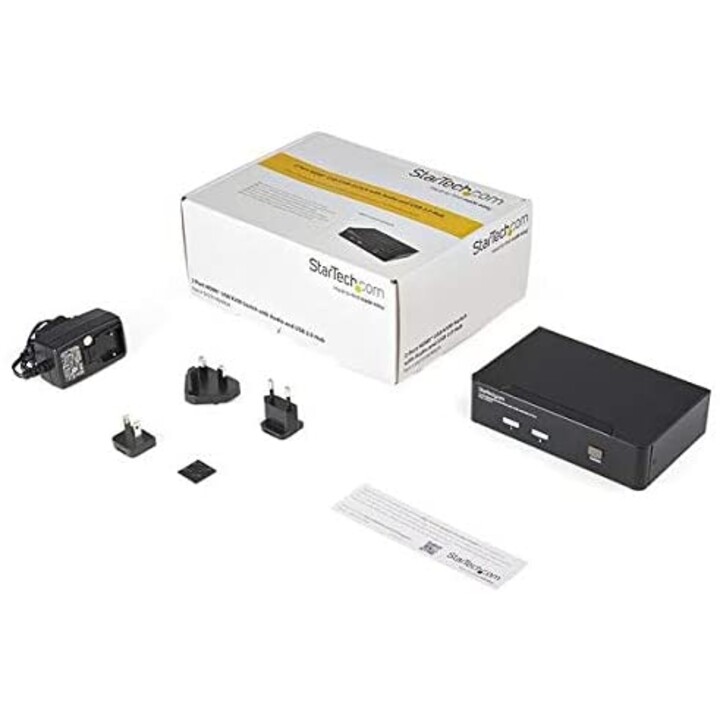
The STARTECH SV231HDMIUA is a 2-port HDMI KVM switch that allows you to control two computers using a single HDMI monitor, USB keyboard, USB mouse, and audio devices. It supports video resolutions up to 4K@30Hz, ensuring crisp and clear visuals for your workflow. The built-in USB 2.0 hub provides two ports for sharing printers, flash drives, or other peripherals between the connected computers.
Audio integration is seamless with dedicated 3.5mm jacks for microphone and speakers, allowing you to switch audio sources along with video and USB. Switching between computers is easy via the front panel push button or keyboard hotkeys (Scroll Lock or Num Lock). The compact design fits neatly on any desk, and no software installation is required—just plug and play. Ideal for home offices, IT administrators, or anyone needing to streamline their workspace.
| Product Type | KVM Switch |
| Number of Computers Supported | 2 |
| Video Interface | HDMI |
| Maximum Resolution | 3840x2160 @ 30Hz |
| USB Hub | USB 2.0 (2 ports) |
| Audio | 3.5mm stereo jacks (mic & speaker) |
| Switching Method | Front panel button, keyboard hotkeys |
| Hotkey Support | Scroll Lock, Num Lock |
| Power Source | USB bus-powered (no external power adapter required) |
| Model Number | SV231HDMIUA |
-
Brand

-
ReferenceSV231HDMIUA
-
In stock5 Items
-
ConditionNew
-
EAN130065030837521
-
MPNSV231HDMIUA
-
TypeKVM switch
| Brand | STARTECH |
|---|---|
| Country | Netherlands |
| Address of origin | Siriusdreef 17-27, 2132 WT Hoofddorp |
| EU responsible person | StarTech.com Europe LLP |
| Address | Boeing Avenue 8, Schiphol-Rijk, Netherlands, 1119PB |
| [email protected] | |
| Phone | 31203699300 |
Safety warnings
General warnings for this type of product. Always follow the manufacturer's instructions.
- Read the manufacturer's instructions before installing or using the appliance and keep them.
- Connect it only to a mains supply of the stated voltage and use the power supply or cable provided.
- Do not use it with a damaged cable, plug or casing and do not open it: repairs by qualified personnel only.
- Protect it from moisture, liquids and heat, and keep the ventilation openings clear.
- Unplug it before cleaning and when it will not be used for a long time.
- Keep it out of the reach of children.
- At the end of its life, take it to a collection point for waste electrical and electronic equipment (WEEE).
12 other products in the same category

- Out-of-Stock

- Out-of-Stock