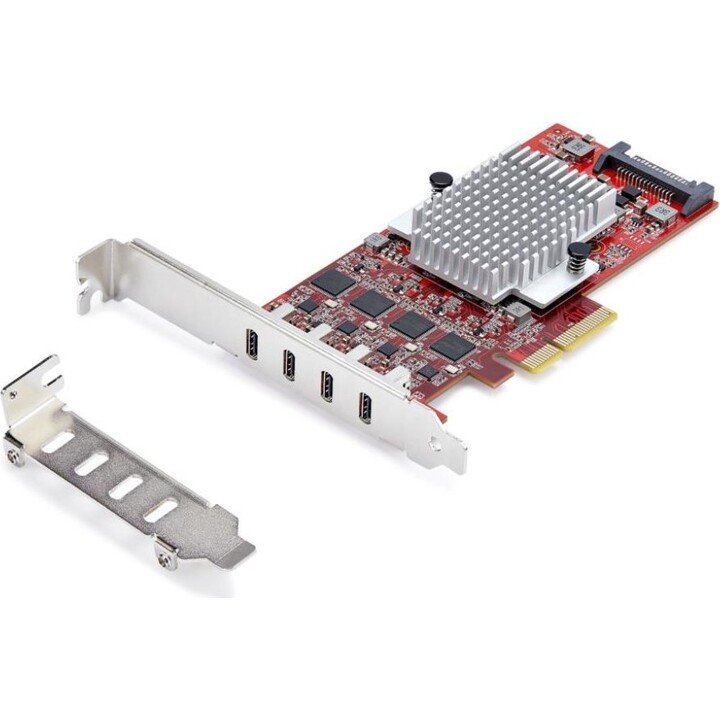
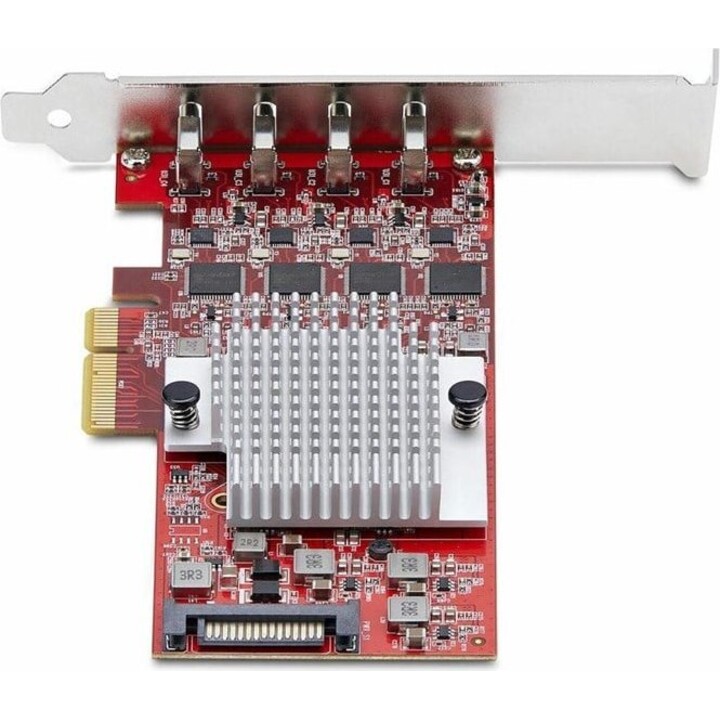

Startech.com P10q4c USB Card, Internal USB Type-C Interface Card/Adapter
- Adds one USB Type-C port via PCI Express x4 slot
- Supports USB 3.1 Gen 2 data transfer speeds up to 10Gbps
- Provides USB Power Delivery up to 20V/3A (60W)
- Supports DisplayPort Alt Mode for video output
- Compatible with USB Type-C devices including smartphones, laptops, and docks
Key Specifications
-
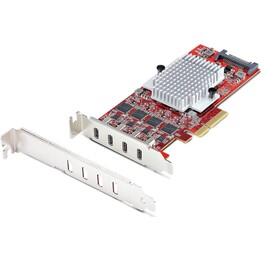
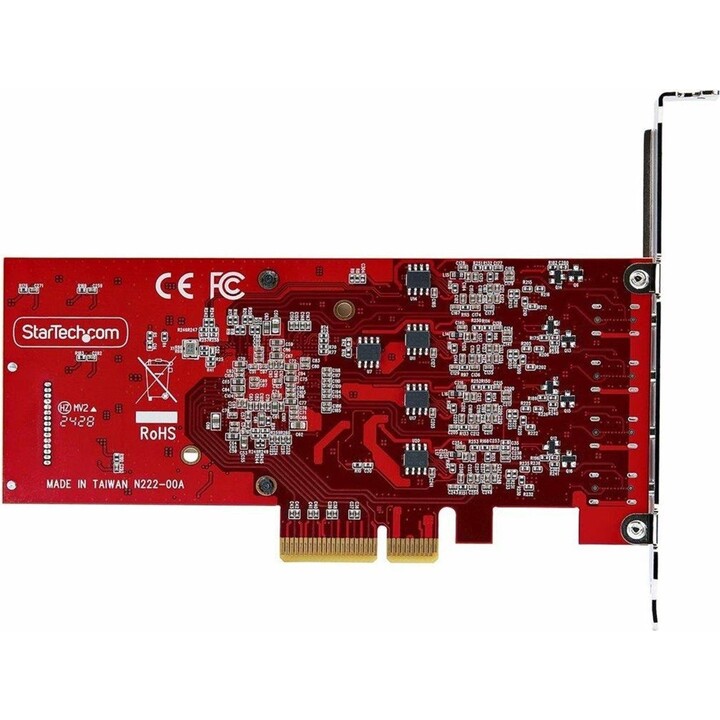
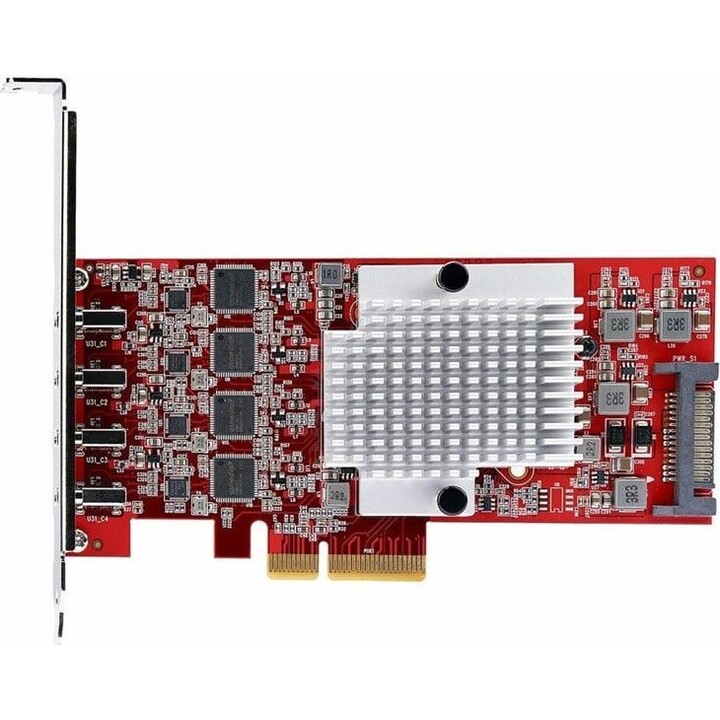
Interface: PCI Express 3.0 x4, supporting x4, x8 and x16 slots; enough bandwidth to deliver true 10 Gbps per port thanks to 4 dedicated USB controllers.
-
Ports: 4 × external USB-C (USB 3.2 Gen 2, up to 10 Gbps), supporting 10/5 Gbps, 480/12/1.5 Mbps speeds and UASP for better performance with external SSDs.
Power and power
-
Can supply up to 5V / 3A (15W) per port, enough to power and charge many USB-C devices (external drives, bus-powered docks, capture devices, etc.).
-
Includes SATA auxiliary power connector: if the PCIe bus does not provide enough power, you can connect a SATA cable from the source to ensure maximum power delivery to all ports.
Compatibility and form factor
-
Supports Windows 10/11, Windows Server 2019/2022, Linux (2.6.31+ LTS) and recent macOS (Sonoma, Sequoia, etc.), with plug-and-play installation without additional drivers in most cases.
-
It comes with pre-installed low-profile bracket and comes with standard height bracket, so it is suitable for both ATX towers and SFF/rack 2U equipment.
-
Brand

-
ReferenceP10Q4C-USB-CARD
-
In stock4 Items
-
ConditionNew
-
EAN130065030911436
-
MPNP10Q4C-USB-CARD
-
Sistema operativoWindows, Linux, macOS
-
Battery includedNo
| Brand | STARTECH |
|---|---|
| Country | Netherlands |
| Address of origin | Siriusdreef 17-27, 2132 WT Hoofddorp |
| EU responsible person | StarTech.com Europe LLP |
| Address | Boeing Avenue 8, Schiphol-Rijk, Netherlands, 1119PB |
| [email protected] | |
| Phone | 31203699300 |
Safety warnings
General warnings for this type of product. Always follow the manufacturer's instructions.
- Read the manufacturer's instructions before installing or using the appliance and keep them.
- Connect it only to a mains supply of the stated voltage and use the power supply or cable provided.
- Do not use it with a damaged cable, plug or casing and do not open it: repairs by qualified personnel only.
- Protect it from moisture, liquids and heat, and keep the ventilation openings clear.
- Unplug it before cleaning and when it will not be used for a long time.
- Keep it out of the reach of children.
- At the end of its life, take it to a collection point for waste electrical and electronic equipment (WEEE).