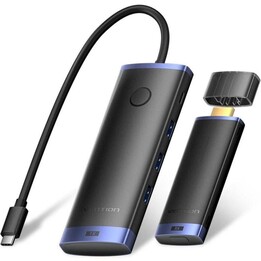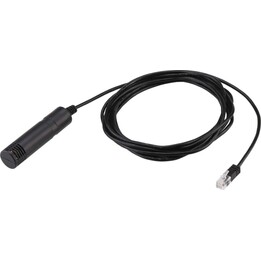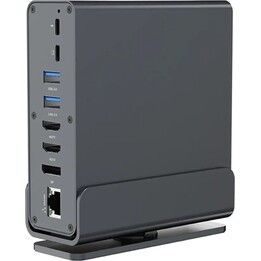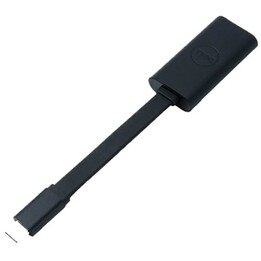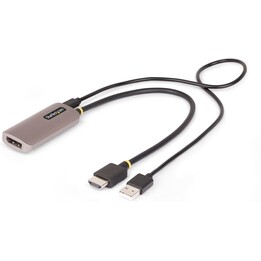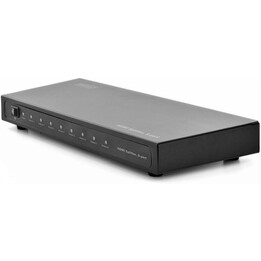
ATEN CS682-AT KVM switch Black
- 2-port USB 2.0 DVI KVM switch with remote port selector
- Supports video resolution up to 1920 x 1200
- Audio enabled with full bass response for 2.1 channel surround sound
- Compatible with Windows, Linux, Mac, and Sun platforms
- Compact design with built-in 2 x 1.2 m cables
The Incase 2-Port USB DVI/Audio Cable KVM Switch (model CS682-AT) by Aten offers seamless control over two computers using a single keyboard, video monitor, and mouse. Designed for superior video quality, it supports resolutions up to 1920 x 1200 pixels, ensuring crisp and clear display output. The switch features exclusive Video DynaSync™ technology that eliminates boot-up display issues and optimizes resolution when toggling between connected devices.
Audio functionality is fully enabled, delivering rich bass response suitable for 2.1 channel surround sound systems. Users benefit from independent switching of KVM and audio focus, allowing one computer to have keyboard and video control while the other handles audio output. The compact design integrates all-in-one cables (2 x 1.2 meters) for easy setup and minimal clutter.
Compatible across multiple platforms including Windows, Linux, Mac, and Sun, this KVM switch detects power status automatically, switching to the active computer if one is powered off. The device is bus-powered, eliminating the need for an external power supply. Included accessories are a remote port selector and user instructions for straightforward operation.
Ideal for professionals and tech enthusiasts requiring efficient management of multiple computers with high-quality video and audio support, the Incase CS682-AT combines functionality, compatibility, and convenience in a single compact unit.
-
Brand

-
ReferenceCS682-AT
-
In stock50 Items
-
ConditionNew
-
EAN134710423775909
-
MPNCS682-AT
-
ColourBlack
| Brand | Aten |
|---|---|
| Country | Belgium |
| Address of origin | Mijnwerkerslaan 34, 3550 Heusden-Zolder |
| EU responsible person | Aten Polska Sp. z.o.o. |
| Address | Łopuszańska 32, 02-220 Warsaw, Poland |
| [email protected] | |
| Phone | 48228608777 |
Safety warnings
General warnings for this type of product. Always follow the manufacturer's instructions.
- Read the manufacturer's instructions before installing or using the appliance and keep them.
- Connect it only to a mains supply of the stated voltage and use the power supply or cable provided.
- Do not use it with a damaged cable, plug or casing and do not open it: repairs by qualified personnel only.
- Protect it from moisture, liquids and heat, and keep the ventilation openings clear.
- Unplug it before cleaning and when it will not be used for a long time.
- Keep it out of the reach of children.
- At the end of its life, take it to a collection point for waste electrical and electronic equipment (WEEE).