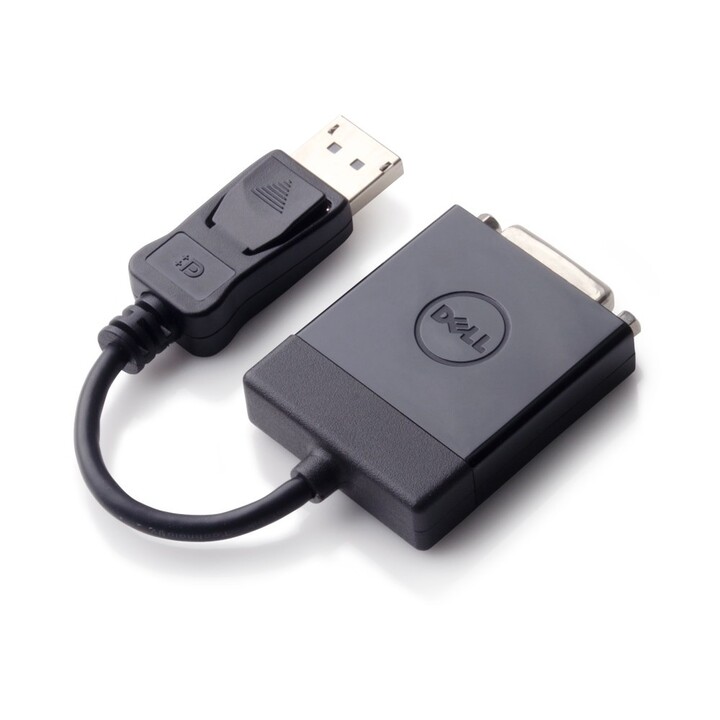
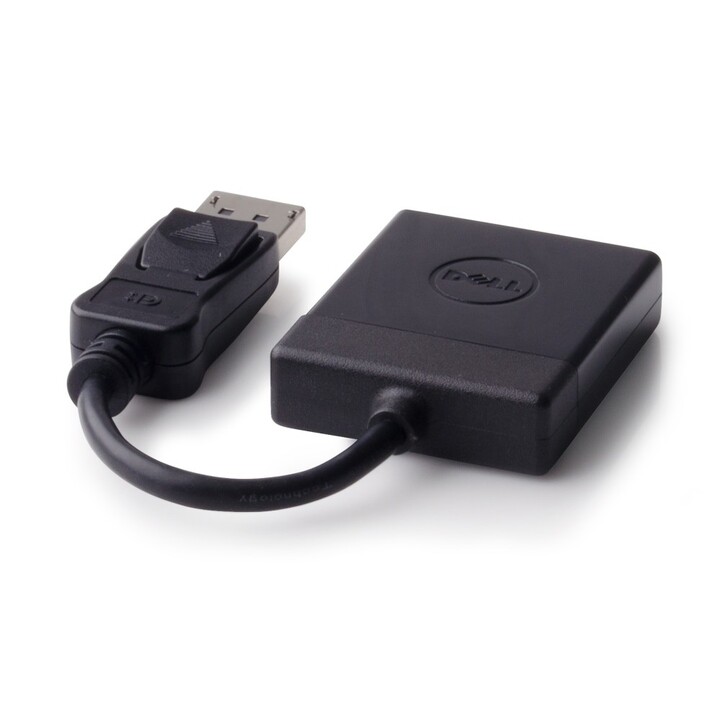
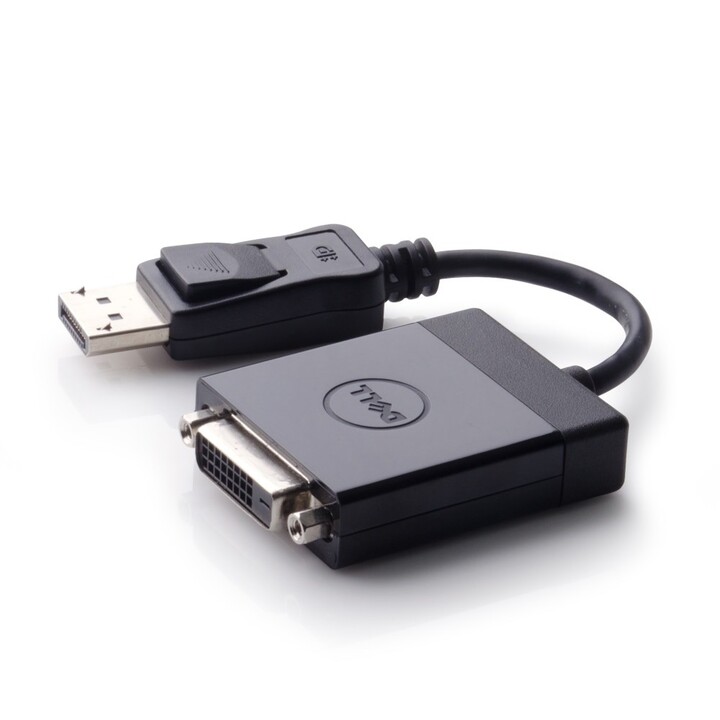

Dell adapter - displayport to dvi
- Connector A: DisplayPort (male)
- Connector B: DVI-D (female)
- Max resolution: 1920x1200 @ 60Hz
- Compliant with DisplayPort 1.1a
- Plug-and-play, no external power required
Dell adapter - displayport to dvi
The Dell 470-ABEO adapter enables seamless connectivity between DisplayPort-equipped devices and DVI monitors or projectors. Supporting resolutions up to 1920x1200 at 60Hz, it ensures crisp and clear video output for business presentations, home office setups, or multimedia use. The adapter is compliant with DisplayPort 1.1a and offers a reliable, cost-effective solution for integrating legacy DVI displays with modern DisplayPort sources.
Designed for simplicity, the Dell 470-ABEO requires no external power or software drivers—just plug and play. Its compact form factor makes it ideal for travel or tight spaces behind desks. Whether connecting a laptop to an external monitor or extending a desktop setup, this adapter delivers consistent performance without signal degradation.
| Brand | Dell |
| Model | 470-ABEO |
| Product Type | DisplayPort to DVI Adapter |
| Connector A | DisplayPort (male) |
| Connector B | DVI-D (female) |
| Max Resolution | 1920x1200 @ 60Hz |
| Compliance | DisplayPort 1.1a |
| Power | No external power required |
| Color | Black |
-
Brand

-
Reference470-ABEO
-
In stock30 Items
-
ConditionNew
-
EAN135397063763757
-
MPN470-ABEO
-
Resolución de pantalla1920x1200 @ 60Hz
| Brand | DELL |
|---|---|
| Country | USA |
| Address of origin | Dell Technologies Inc., One Dell Way, Round Rock, Texas 78682, USA |
| EU responsible person | Dell Technologies Ireland |
| Address | 1 Cherrywood Avenue, Dublin, Ireland, D18 X0K7 |
| [email protected] | |
| Phone | 35312044000 |
Safety warnings
General warnings for this type of product. Always follow the manufacturer's instructions.
- Read the manufacturer's instructions before installing or using the appliance and keep them.
- Connect it only to a mains supply of the stated voltage and use the power supply or cable provided.
- Do not use it with a damaged cable, plug or casing and do not open it: repairs by qualified personnel only.
- Protect it from moisture, liquids and heat, and keep the ventilation openings clear.
- Unplug it before cleaning and when it will not be used for a long time.
- Keep it out of the reach of children.
- At the end of its life, take it to a collection point for waste electrical and electronic equipment (WEEE).
12 other products in the same category



Viewed products