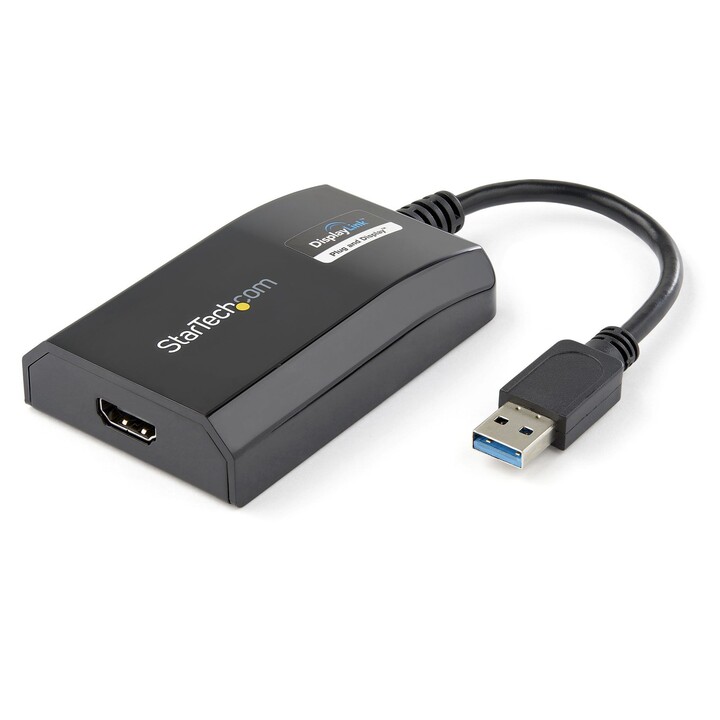

StarTech.com USB 3.0 to HDMI Adapter - DisplayLink Certified - 1080p (1920x1200) - USB Type-A to HDMI Display Adapter Converter
usb 3.0 hdmi adapter mac pc
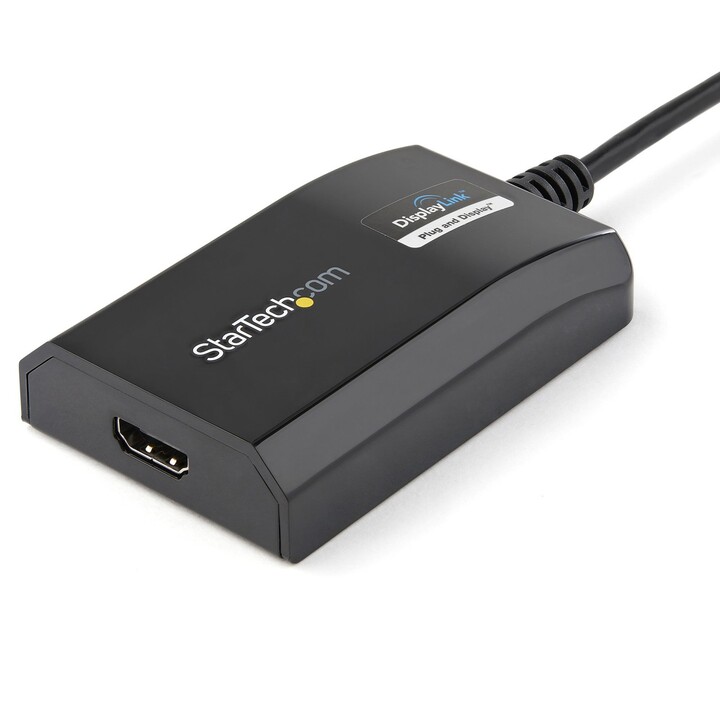
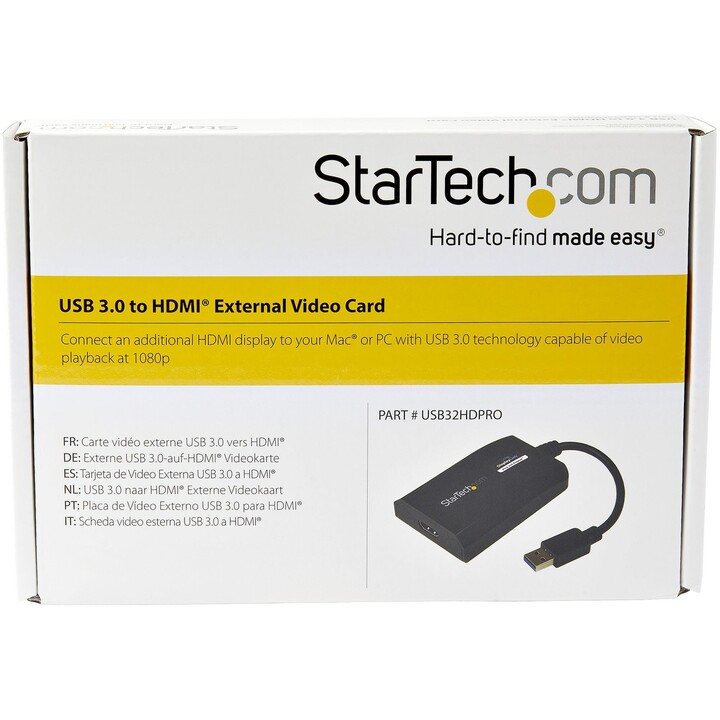
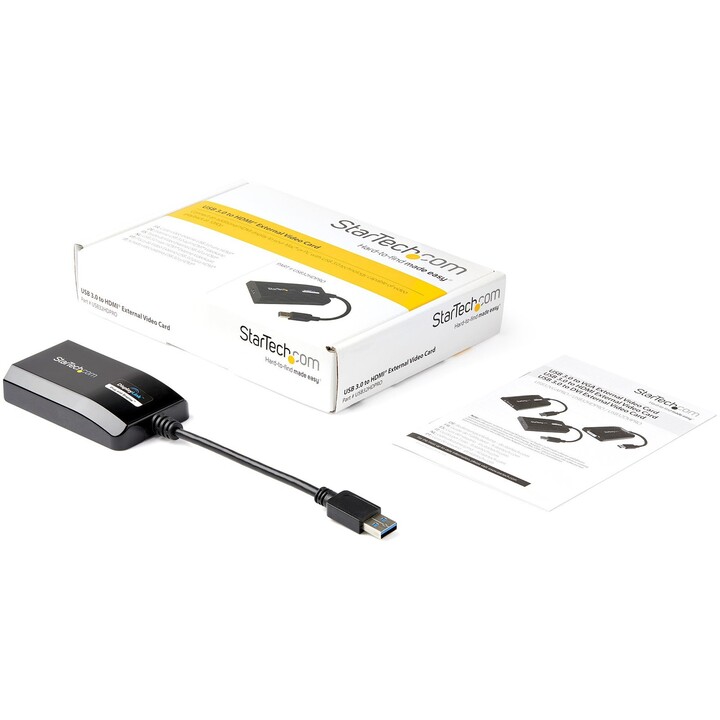
The StarTech USB32HDPRO USB 3.0 to HDMI adapter allows you to add an external HDMI display to your computer through a USB 3.0 port. With support for resolutions up to 1920x1200, this adapter is ideal for extending your desktop or mirroring your screen for presentations. It is DisplayLink certified, ensuring broad compatibility and stable performance across multiple operating systems.
Designed for versatility, the adapter works with Windows 10, macOS 10.10 and later, and Linux distributions like Ubuntu. Its compact and lightweight plastic housing makes it easy to carry, while the USB 3.0 interface provides sufficient bandwidth for smooth video playback. Simply plug and play without the need for additional power adapters.
| Brand | StarTech |
| Model | USB32HDPRO |
| USB Version | USB 3.2 Gen 1 (USB 3.0) |
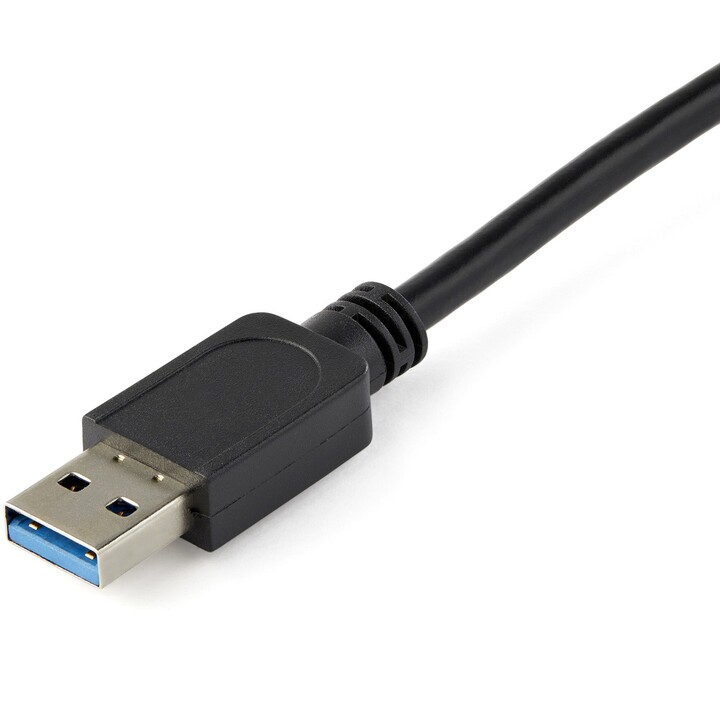
| Connector Type | USB Type-A Male |
| Output | HDMI |
| Max Resolution | 1920 x 1200 |
| Number of Displays Supported | 1 |
| Chipset | DisplayLink |
| Color | Black |
| Material | Plastic |
| Dimensions (W x D x H) | 55 x 90 x 20 mm |
| Supported Operating Systems | Windows 10, macOS 10.10+, Ubuntu 14.04+ |
-
ConectividadUSB 3.0 (compatible con USB 2.0)
-
Resolución de pantalla3840x2160 @ 30Hz
-
Sistema operativoWindows 7/8/10, Mac OS X 10.8+
| Brand | STARTECH |
|---|---|
| Country | Netherlands |
| Address of origin | Siriusdreef 17-27, 2132 WT Hoofddorp |
| EU responsible person | StarTech.com Europe LLP |
| Address | Boeing Avenue 8, Schiphol-Rijk, Netherlands, 1119PB |
| [email protected] | |
| Phone | 31203699300 |
Safety warnings
General warnings for this type of product. Always follow the manufacturer's instructions.
- Read the manufacturer's instructions before installing or using the appliance and keep them.
- Connect it only to a mains supply of the stated voltage and use the power supply or cable provided.
- Do not use it with a damaged cable, plug or casing and do not open it: repairs by qualified personnel only.
- Protect it from moisture, liquids and heat, and keep the ventilation openings clear.
- Unplug it before cleaning and when it will not be used for a long time.
- Keep it out of the reach of children.
- At the end of its life, take it to a collection point for waste electrical and electronic equipment (WEEE).