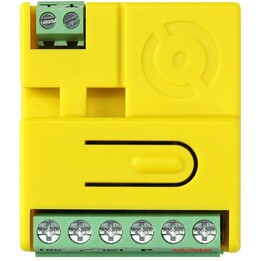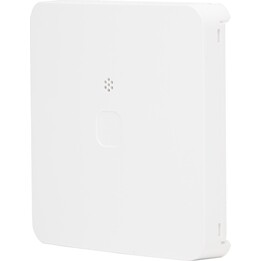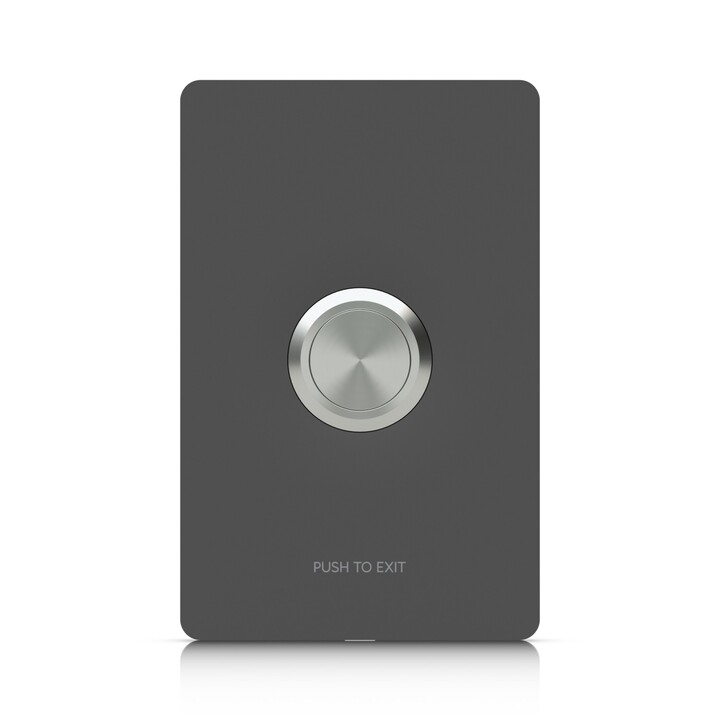
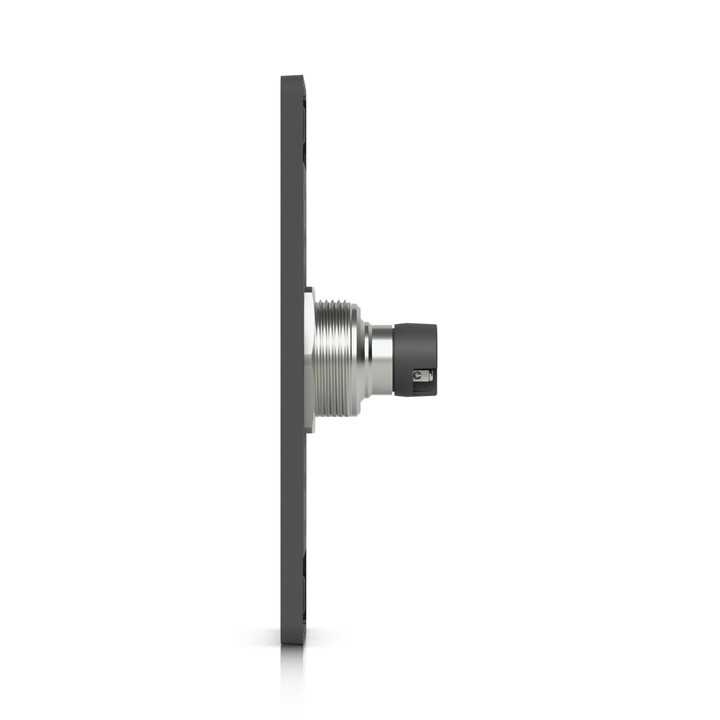

Ubiquiti Ua-button Request-to-exit Button Connected TO AN Access HUB
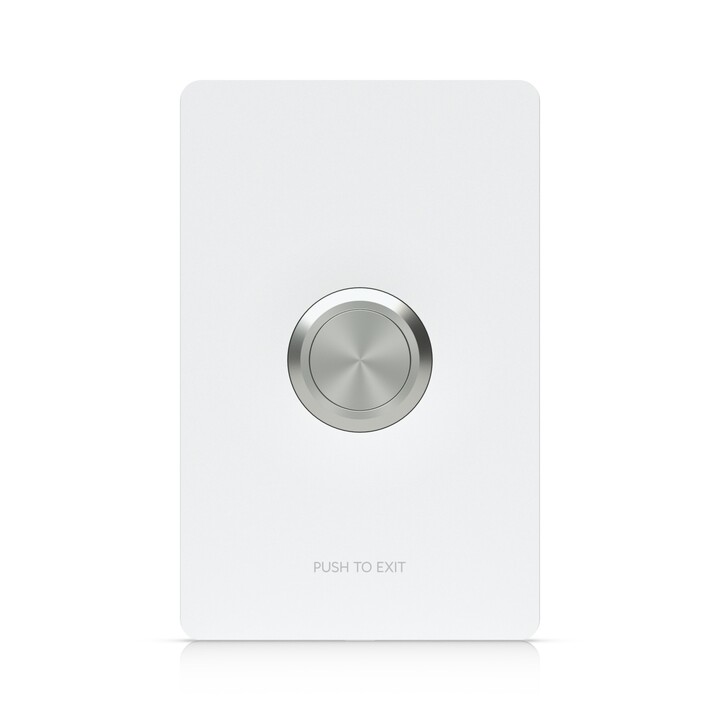
- Push-to-exit button designed for UniFi Access Hubs
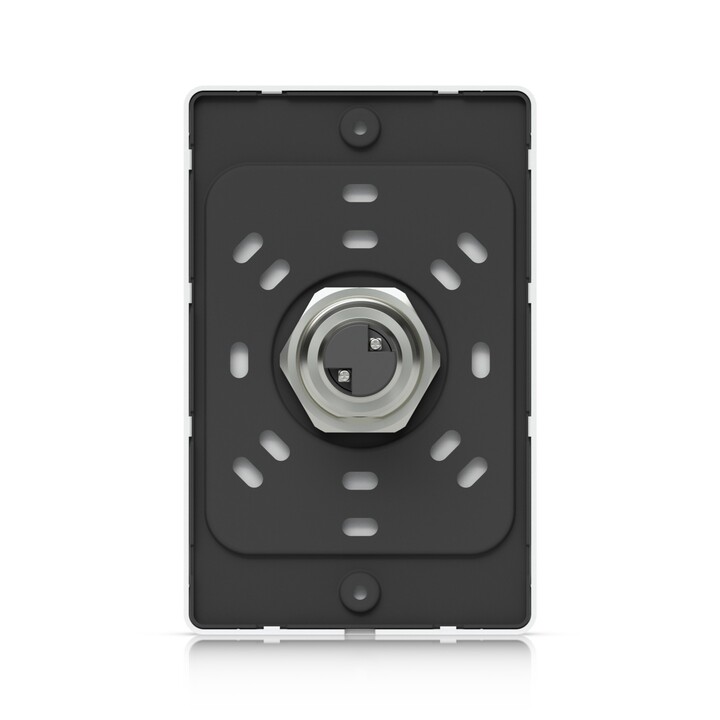
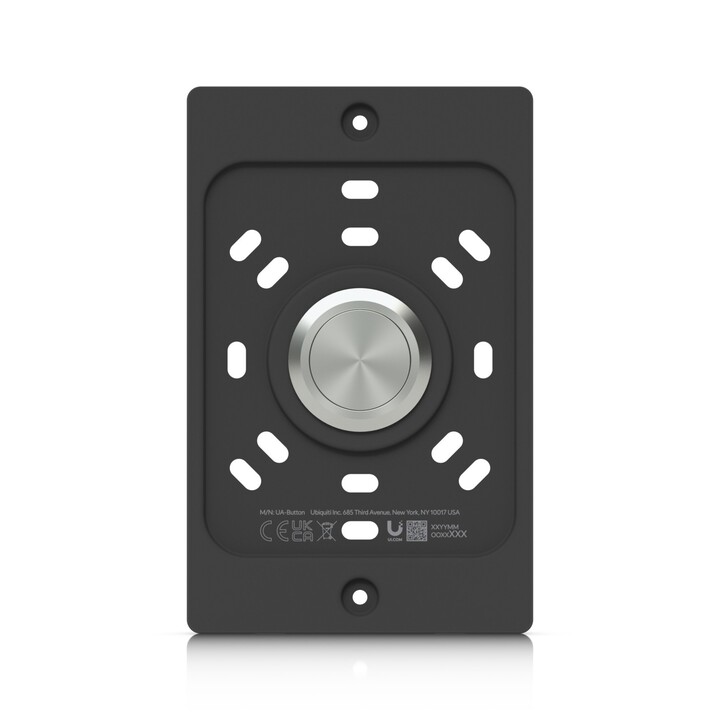
- Includes black and white faceplates
- Wired connectivity technology
- Compatible with UA-G2-SK, UA-G3-SK, UA-Hub, EAH-8, UA-Ultra
- Durable polycarbonate housing
The Ubiquiti Access Button (model UA-BUTTON) is a push-to-exit button designed specifically for UniFi Access Hubs, providing a convenient and secure way to control door access. It comes with interchangeable black and white faceplates to suit different installation environments.
This wired exit button is compatible with a range of Ubiquiti devices including UA-G2-SK, UA-G2-SK-Pro, UA-G3-SK, UA-G3-SK-Pro, UA-Hub-Door, EAH-8, UA-Hub-Door-Mini, and UA-Ultra, making it a versatile choice for access control systems.
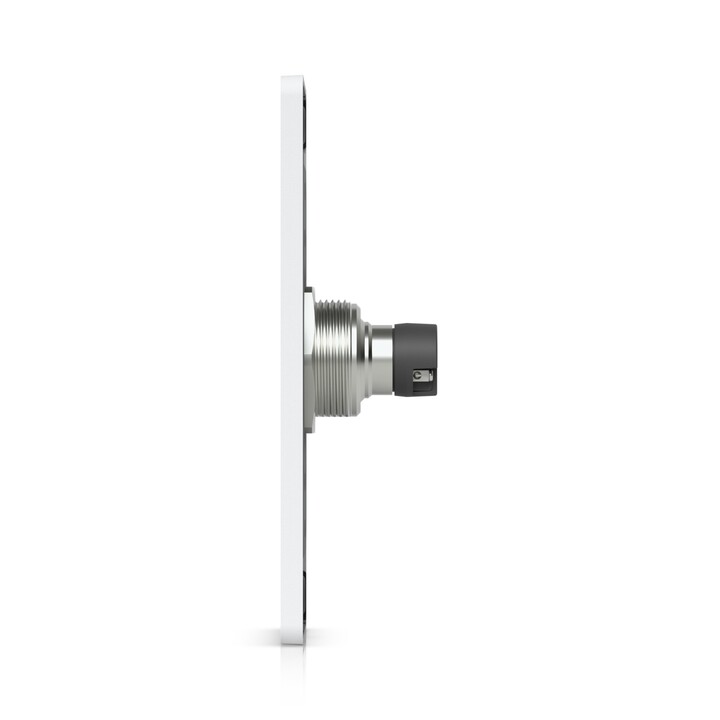
Constructed with a durable polycarbonate housing, the button is designed for indoor use and wall mounting. It operates within a temperature range of -10 °C to 40 °C and supports DC power input up to 30 V. The compact dimensions of 137 x 88 x 38.1 mm and lightweight design (180 g) ensure easy installation without compromising on roniability.
Ideal for enhancing security and convenience in commercial or residential settings, the Ubiquiti Access Button integrates seamlessly with your existing UniFi Access infrastructure.
-
Brand

-
ReferenceUA-BUTTON
-
In stock9 Items
-
ConditionNew
-
EAN130810084697542
-
MPNUA-BUTTON
-
ColourMulticolour
| Brand | Ubiquiti |
|---|---|
| Country | USA |
| Address of origin | 685 Third Avenue, New York 10017 |
| EU responsible person | Ubiquiti Inc. |
| Address | Vyšehradská 423/27, Prague, Czech Republic, 12800 |
| [email protected] | |
| Phone | 420246033900 |
Safety warnings
General warnings for this type of product. Always follow the manufacturer's instructions.
- Read the manufacturer's instructions before installing or using the appliance and keep them.
- Connect it only to a mains supply of the stated voltage and use the power supply or cable provided.
- Do not use it with a damaged cable, plug or casing and do not open it: repairs by qualified personnel only.
- Protect it from moisture, liquids and heat, and keep the ventilation openings clear.
- Unplug it before cleaning and when it will not be used for a long time.
- Keep it out of the reach of children.
- At the end of its life, take it to a collection point for waste electrical and electronic equipment (WEEE).