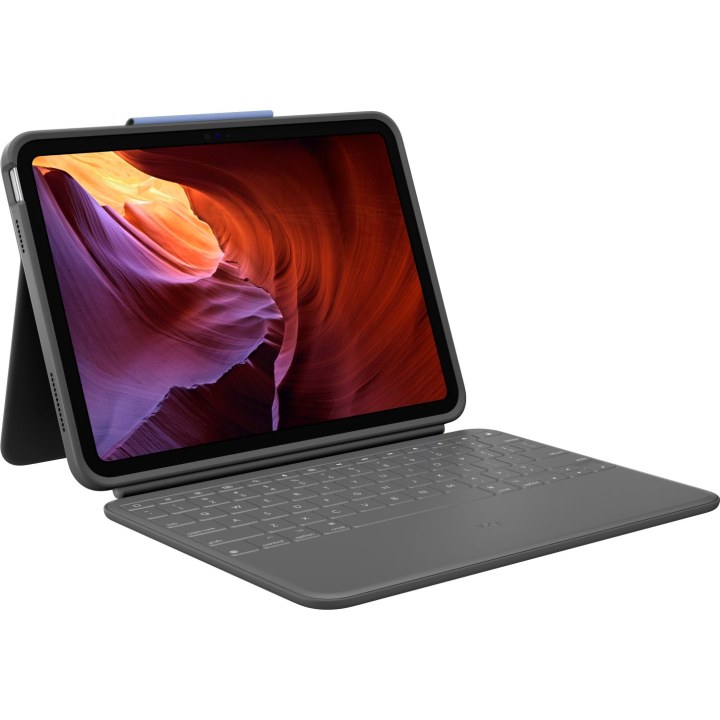
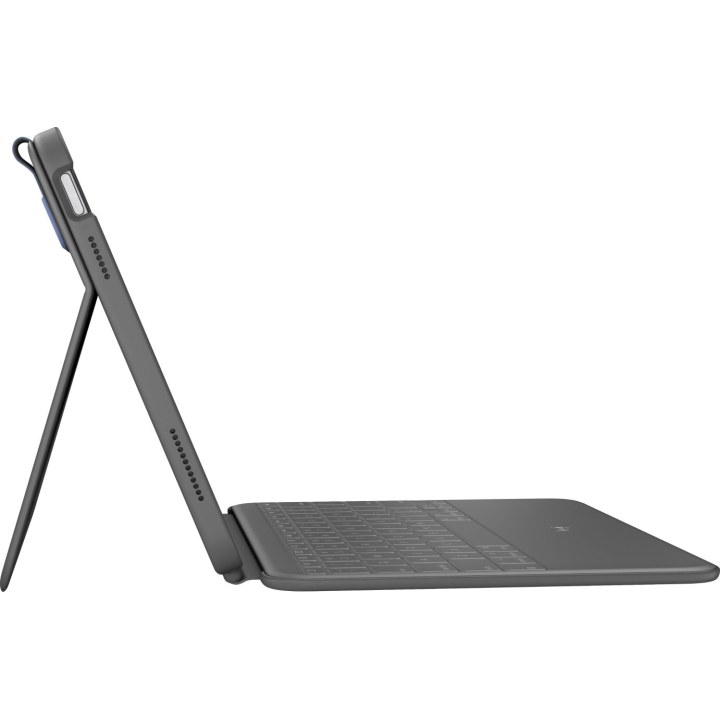
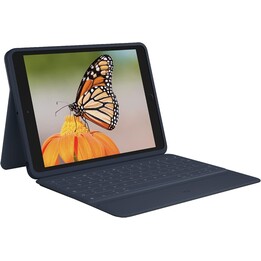
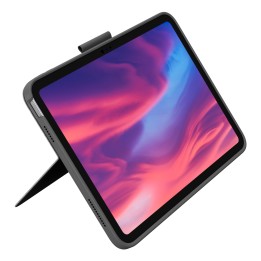
The Logitech Rugged Folio is a keyboard case that turns your iPad into a more productive tool while keeping it protected. It connects directly to the tablet through the Smart Connector, so there's no pairing or charging to worry about. It's aimed at anyone who wants to type comfortably on their iPad and carry it around with less concern about knocks and spills.
Highlights
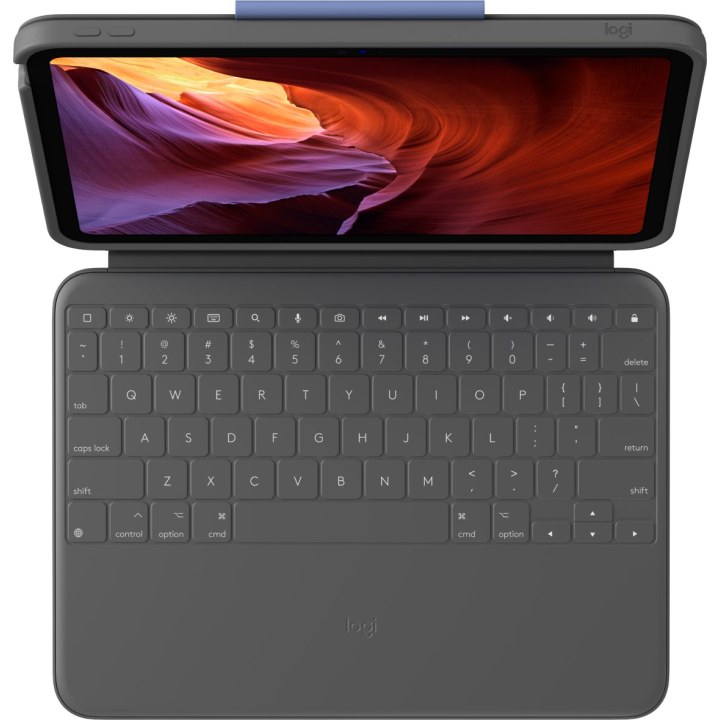
- French AZERTY layout: the keys follow the French layout, with 1.8 cm between them and 1.2 mm of key travel, which helps you type with a familiar feel.
- Smart Connector connection: the keyboard docks to the iPad through the Smart Connector, so it draws its power from the tablet's base and needs no separate charging.
- Wide compatibility: it works with iPad (7th generation), iPad (8th generation), iPad (9th generation), iPad (10th generation) and iPad (A16), and runs on iPadOS.
- Protection against splashes: the cover is designed to withstand splashes, which is useful if you use the iPad around drinks or in the kitchen.
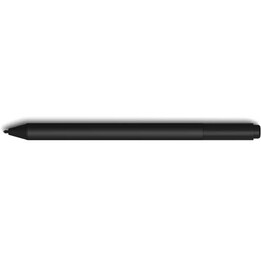
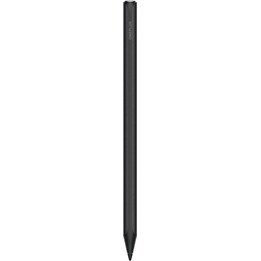
- Holder for your stylus: there's a dedicated holder so you can keep your pen with the tablet instead of leaving it loose in your bag.
- Shortcut and multimedia keys: dedicated keys give you quick access to common functions without digging through menus.
- Graphite finish: a dark, understated colour that suits both work and everyday use.
Frequently asked questions
Which iPads can I use it with?
It is compatible with iPad (7th generation), iPad (8th generation), iPad (9th generation), iPad (10th generation) and iPad (A16). The minimum system requirement listed is iPad (10th generation), and it works with iPadOS.
Does it need charging or Bluetooth?
No. It connects by docking to the iPad through the Smart Connector, and its power source is the base, so there's no separate battery to charge.
What kind of keyboard does it have?
It has a French AZERTY layout with 1.8 cm between keys and 1.2 mm of key travel. It includes shortcut and multimedia keys, but no pointing device and no numeric keypad.
Is it protected against spills?
Yes, the cover is splash-resistant. It also has a holder for your stylus, so you can keep the pen with the iPad.